How Turbo Timer is built
One design runs on four Raspberry Pi clocks, in two renderers, built with AI coding sessions working in parallel. It holds together because its design decisions are written as contracts the build checks, and because every prototype is judged on the device.
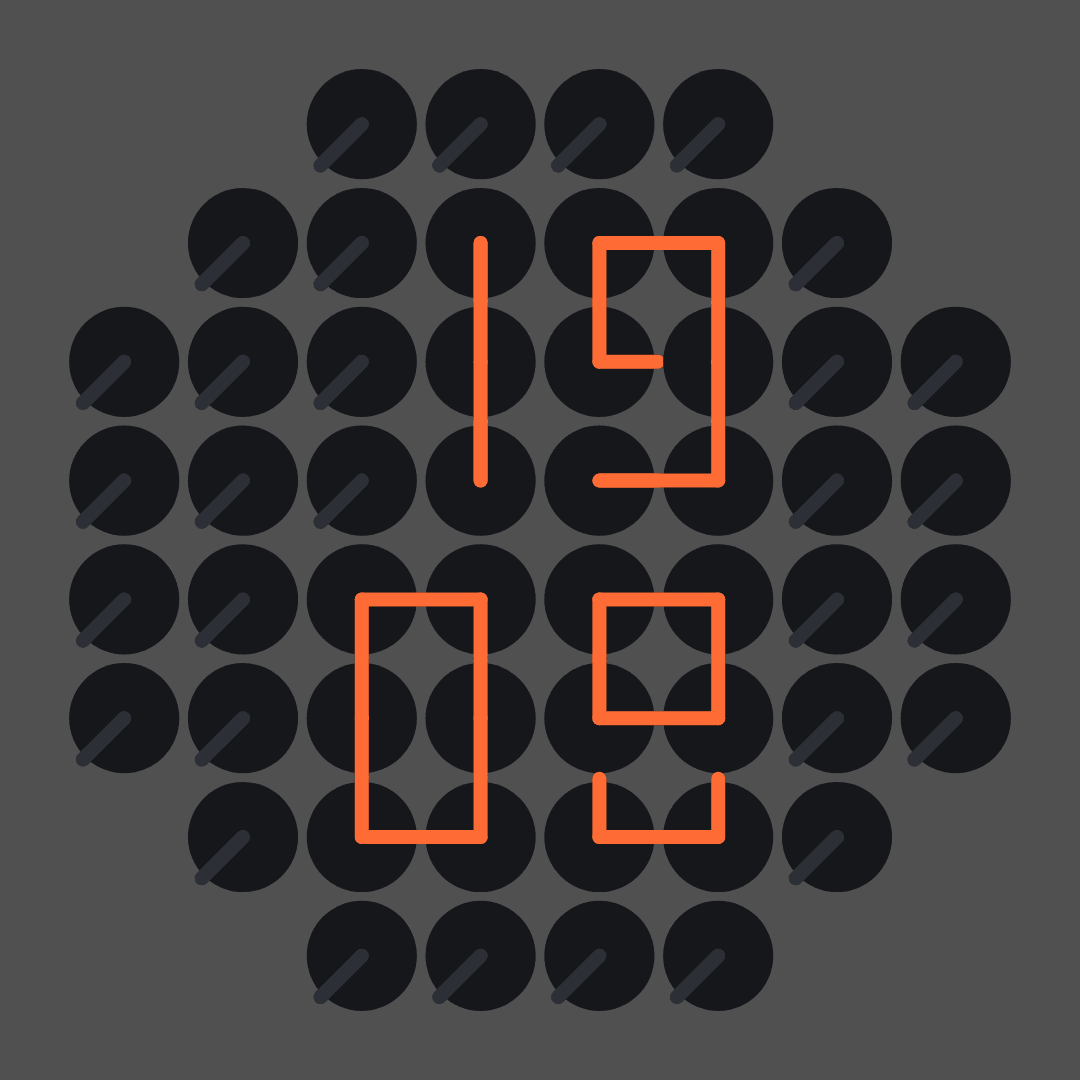
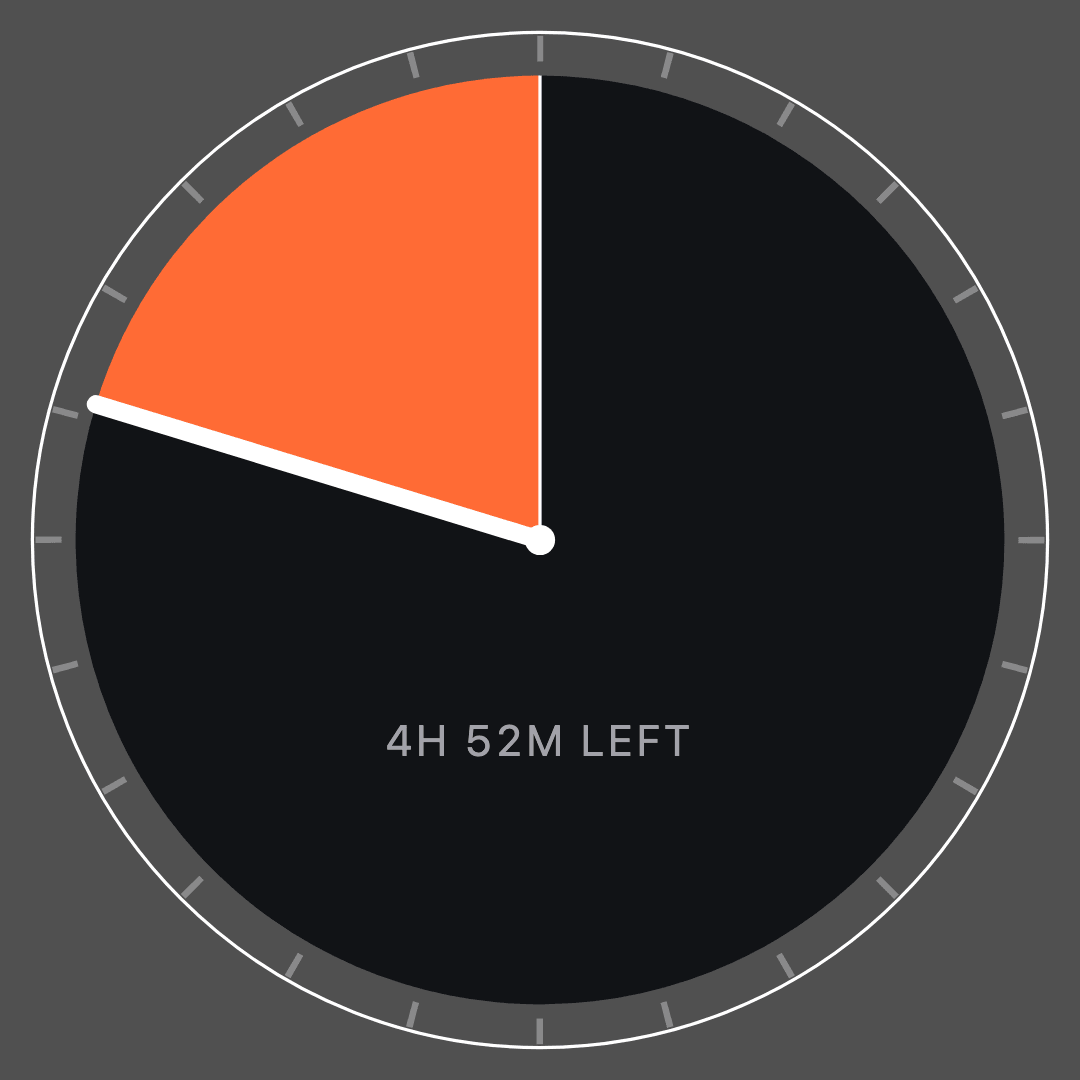
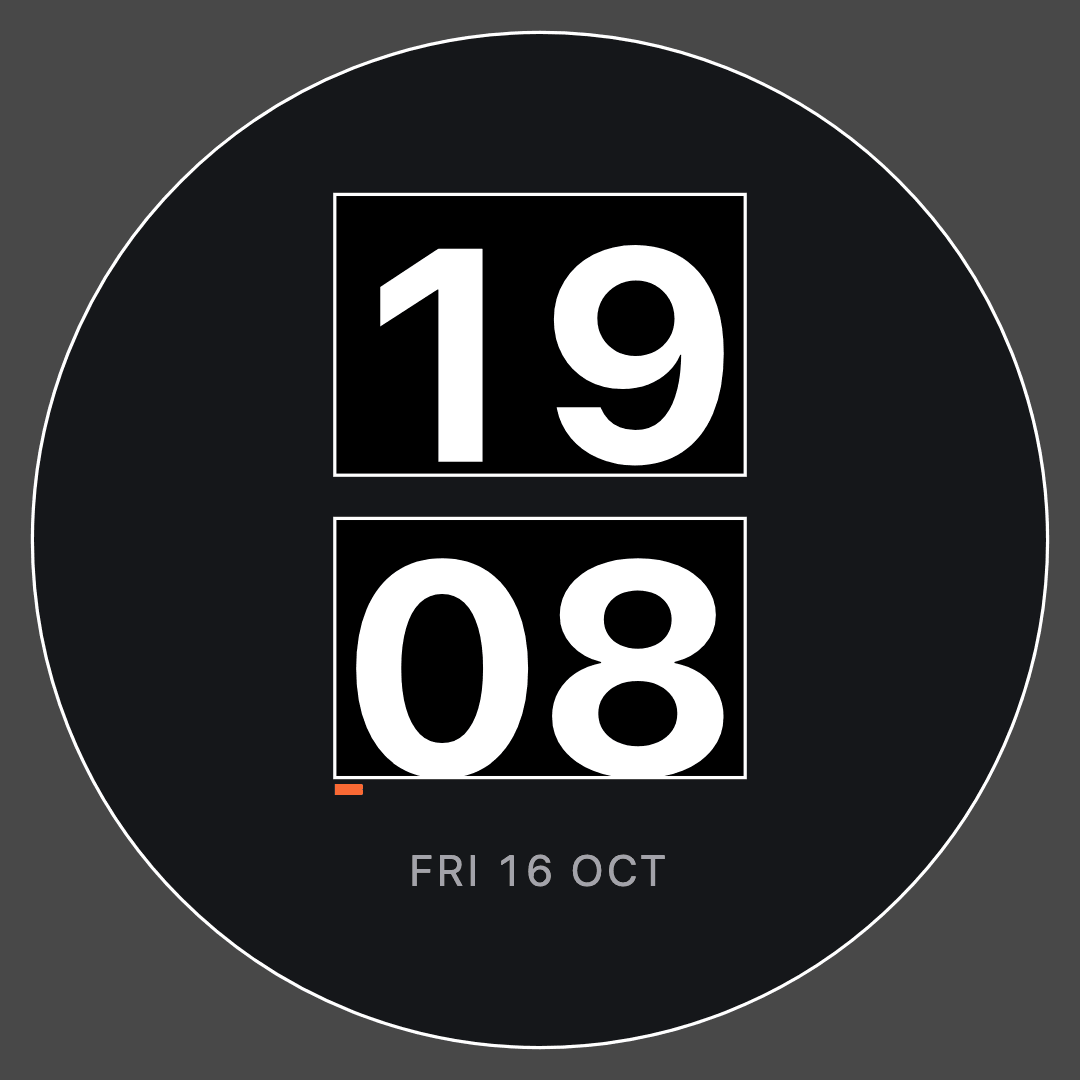
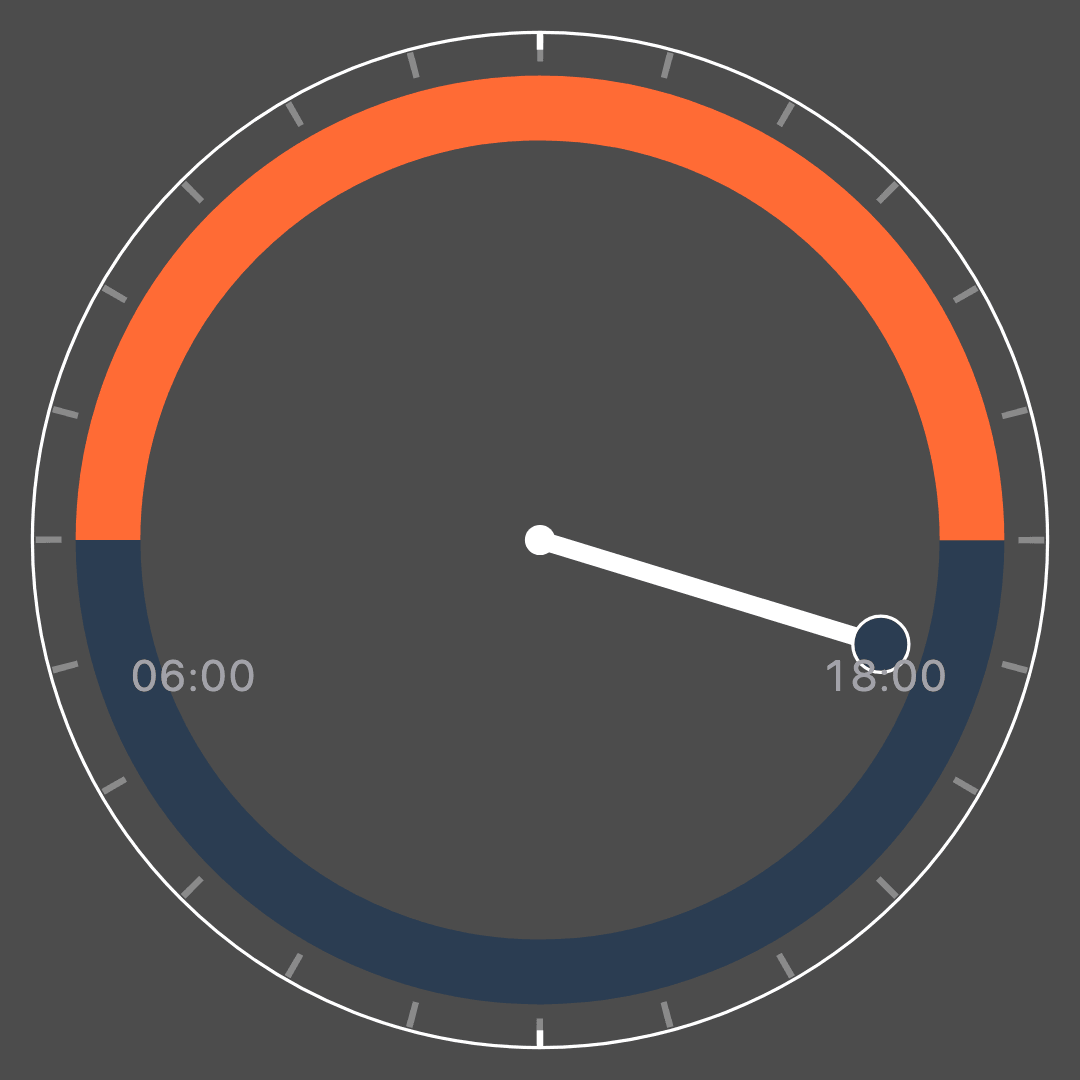
This page is the companion to the Turbo Timer case study. That one covers the product: a round smart display, its watchfaces and apps, and the admin that runs a fleet of them. This one covers how the design survives being built. The codebase is called SuperClock.
Every number here comes from the repository on 16 October 2026: the generated health report, the git log, and a full test run on a clean checkout of main. Every screen is a fresh capture, every wireframe is a plate from the working board, and every terminal is real output.
- 2026, ongoing
- Sole designer and developer
- SuperClock, 374 commits since April
- 4 Raspberry Pi clocks, 2 renderers
- 1,247 tests, 25 design rules, a build stamp per device
- React 19, TypeScript, Vite, Express, C with LVGL
Design drift is silent
A watchface that drifts off-design still renders. A setting that nothing reads still saves. On a clock that runs for weeks on a shelf, nobody is watching a console, so these failures look exactly like success. Four of them had already happened before I built anything to catch them.
- A slider that did nothing. The admin’s day brightness slider had never worked. The display tool it called has no brightness flag in any released version, and the form still saved its default of 80 into every device’s settings.
- Settings with no reader. Seven of the twelve faces with settings never read them. The admin drew a form for each one, and on glass the options changed nothing. Across the system, 23 of 66 settings fields had no reader.
- The wrong twin. The project notes said the slowest clock ran a native copy of the Minimalismo face. It ran a copy of Analog, and the two renderers disagreed on the dial colour, the radius and every tick position.
- Fixes that did not stick. A fix would merge, deploy and still be missing from the device, because the deploy script shipped my local checkout and the local checkout lagged behind the merged code.
Each one is a design decision that stopped being true without anyone noticing. This half of the project is built around that failure mode.
Write the decision down, then check it
The answer I kept reaching for was the same each time: write the decision in a form the build can read, then make the build check it.
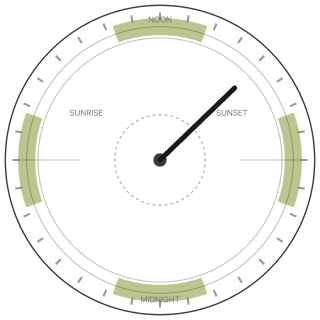
Every face has a contract file beside its component. It states the face’s purpose, the one quantity allowed to use the accent colour, the night recipe and the colour roles it flips, an intent for each option, and the anti-patterns with the reason each one is banned. Faces drawn from hands and ticks also carry their geometry, and two of them now draw directly from those numbers. Tests hold every claim in the file against the source, so a face that stops reading its night roles fails the build.
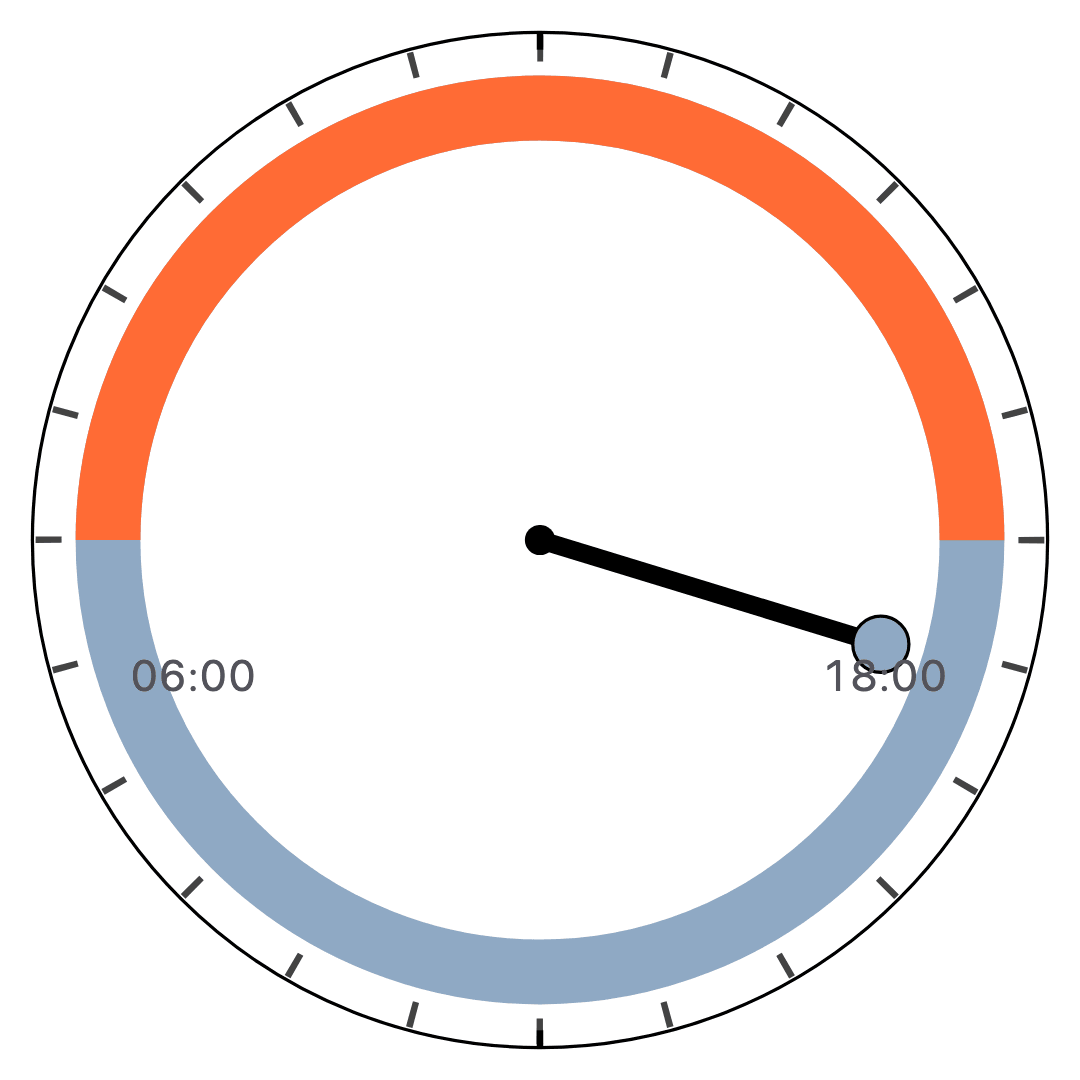
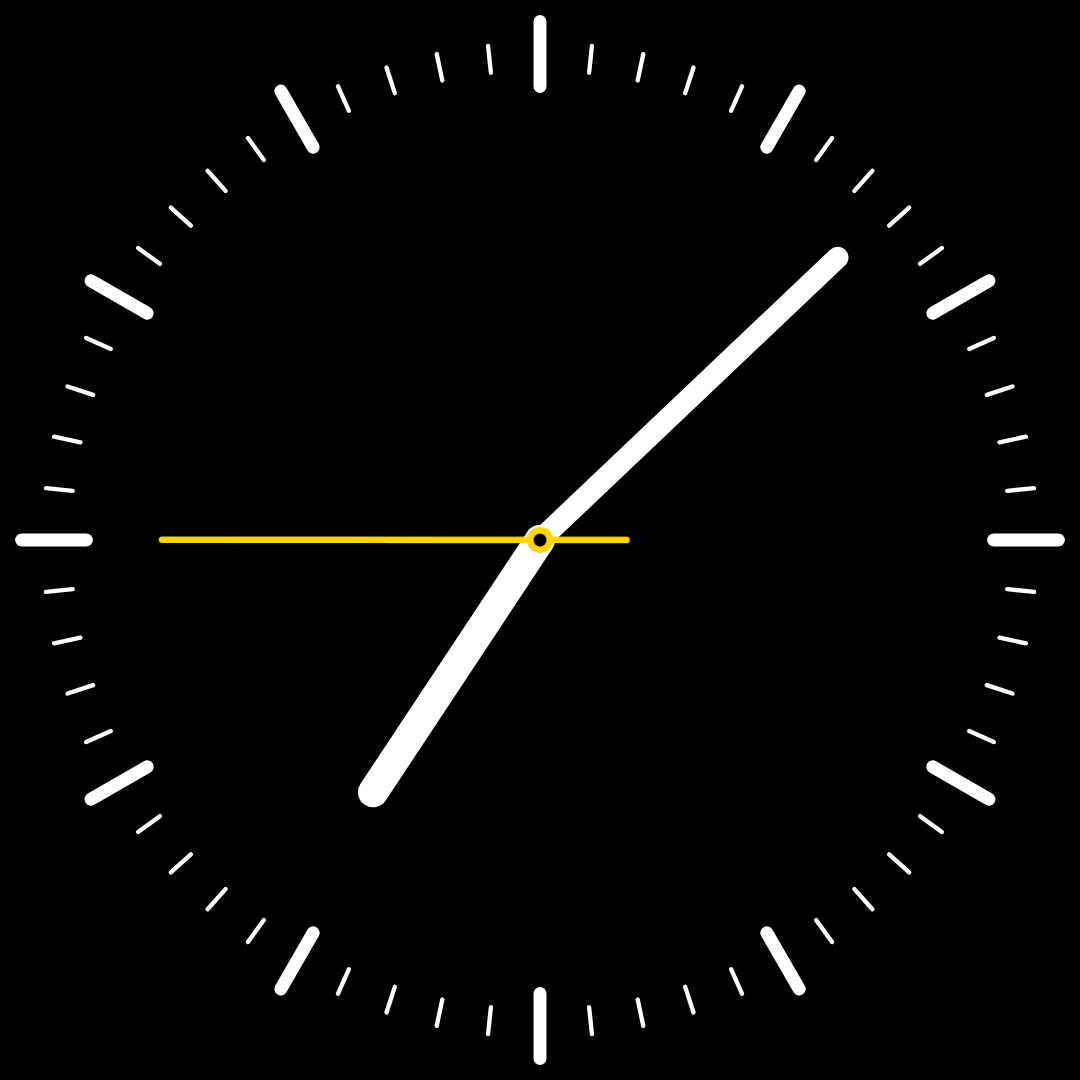
- A 24-hour dial with noon at the top: one hand revolves per day and the ring shows sunrise to sunset in the accent, the rest in dusk.
- the daylight arc
- Dusk, ticks and ink flip with the palette; the daylight arc stays the accent.
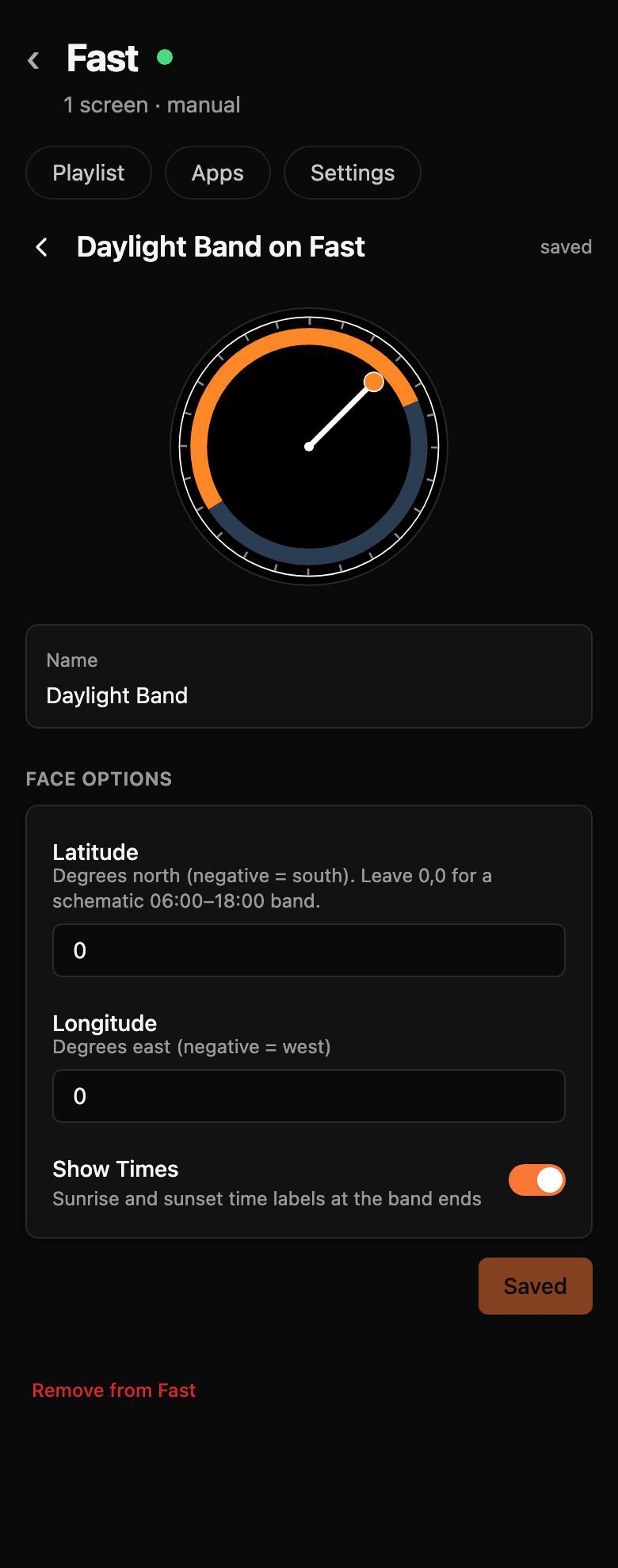
- Leave 0,0 for the schematic 06:00 to 18:00 band; set both coordinates for real sun times.
- Do not put midnight at the top. Why: noon at top is the solar convention (hand high means sun high), deliberately opposite to Depletion.
The latitude line exists because of a bug that looked plausible. The default location was 0,0, a point in the Gulf of Guinea that maps call Null Island. Real sun times for that point, shown in the clock’s own time zone four hours behind UTC, put sunrise at 02:03 and sunset at 14:10. The ring looked like data and was wrong everywhere on Earth. Now 0,0 means the location is not set, and the face draws a schematic 06:00 to 18:00 band until real coordinates arrive.
The same decision reaches the admin without anyone copying it. The settings form is generated from the face’s schema, so the hint under latitude is the schema’s own description, and a new face arrives with its form already built.
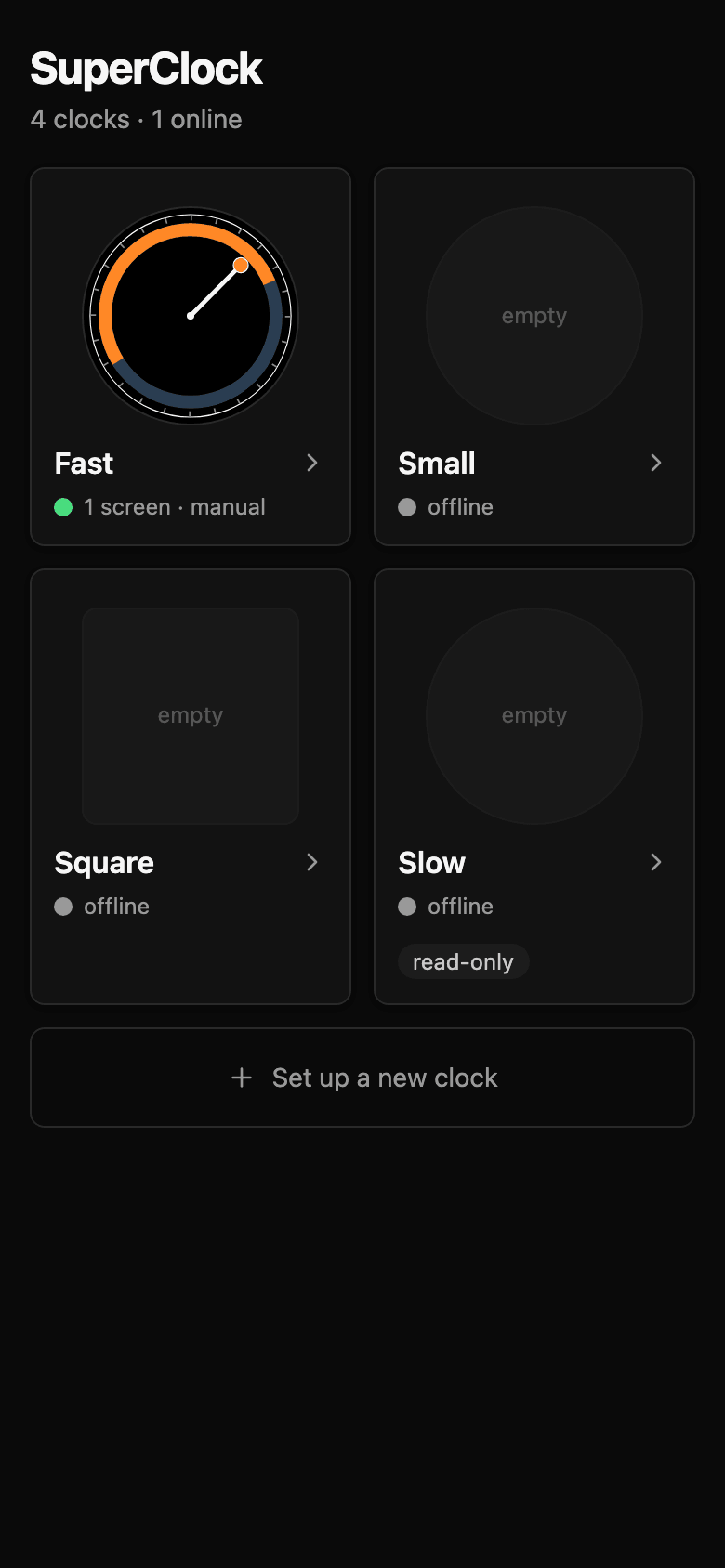
Diffing the native twin
The slowest clock is a Pi Zero 2 W. It cannot run the browser face acceptably, so it runs one face written in C with LVGL, a small graphics library for embedded screens. Two renderers of one design drift apart, and the board plate for the clock app listed exactly that as an open risk: parity had no automated check.
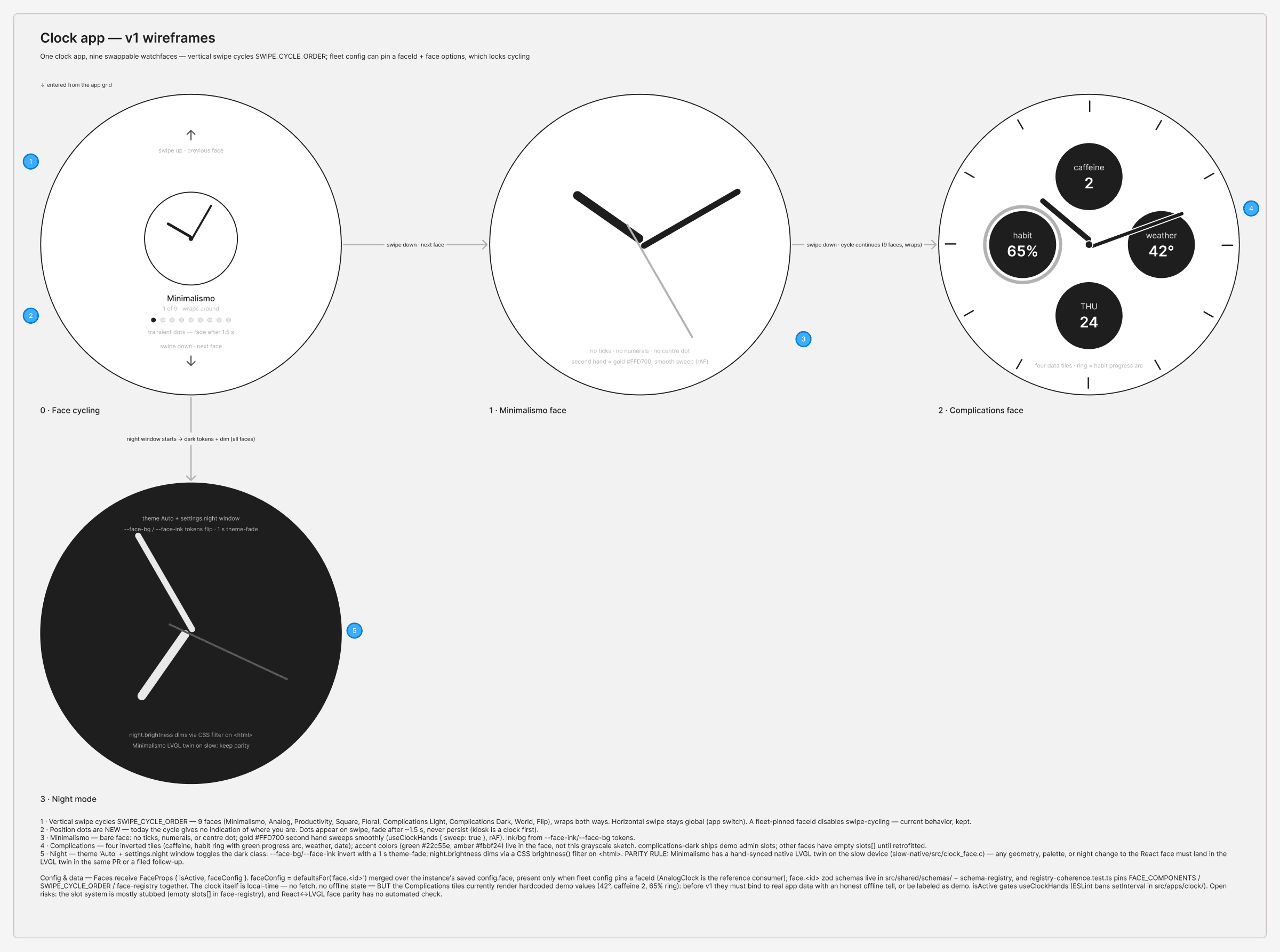
So now something checks it. A parser reads the geometry and colour constants out of the C file and compares them, number by number, with the Analog contract. Its first run found nine differences. React draws a black dial and C draws a white one, and C draws the face at a smaller radius, so every tick sits 40 units further in.
They are still unfixed, on purpose. Which renderer is right is a design call, and a check should never make that call by turning green. The nine differences sit in a ledger, each with its reason, and the ledger may only shrink. Any new drift turns the build red.
Settings are a contract with every device
Each clock stores its own settings, validated against the same schemas the admin uses to generate its forms. Renaming a field or dropping an option looks harmless in a pull request. On the fleet, every stored value that stops validating falls back to its default, and a person’s choices revert on every clock at once.
So the schemas are snapshotted. Every change is classified as breaking, minor or patch, and the snapshot tool refuses a breaking change until the fleet schema version moves, which pulls the migration into the same change.
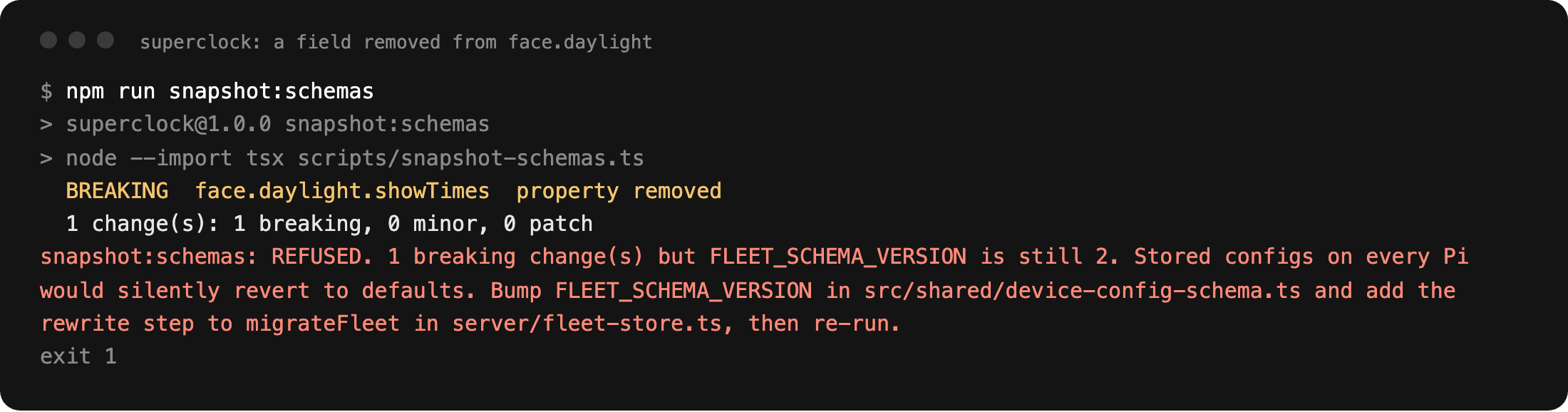
The brightness fix shows why that matters. Dimming moved to a CSS filter on the page, which made the stored brightness values real for the first time. They read 80 on every device, saved by the inert form, so the next deploy would have dimmed every panel. Those values carried no intent, and version 2 of the fleet schema clears them.
A generated report answers the question from the other side: for every app and face, which settings fields its code reads. An unread field is a setting the admin writes and nothing reads. The report is committed, the test suite fails when it is stale, and the unread list may only shrink.
| Measure | 5 Sep 2026 | 16 Oct 2026 |
|---|---|---|
| Faces that read their own settings | 5 of 12 | 12 of 12 |
| Apps that read their settings | 12 of 14 | 17 of 17 |
| Settings fields nothing reads | 23 of 66 | 6 of 83 |
What the hardware decided
Night mode inverts every face through eight shared colour roles. Each contract names the roles its face flips, and the build fails if the face stops reading them. Seven older faces predate the rule. They sit on an exemption list that may only shrink, so the debt stays visible.
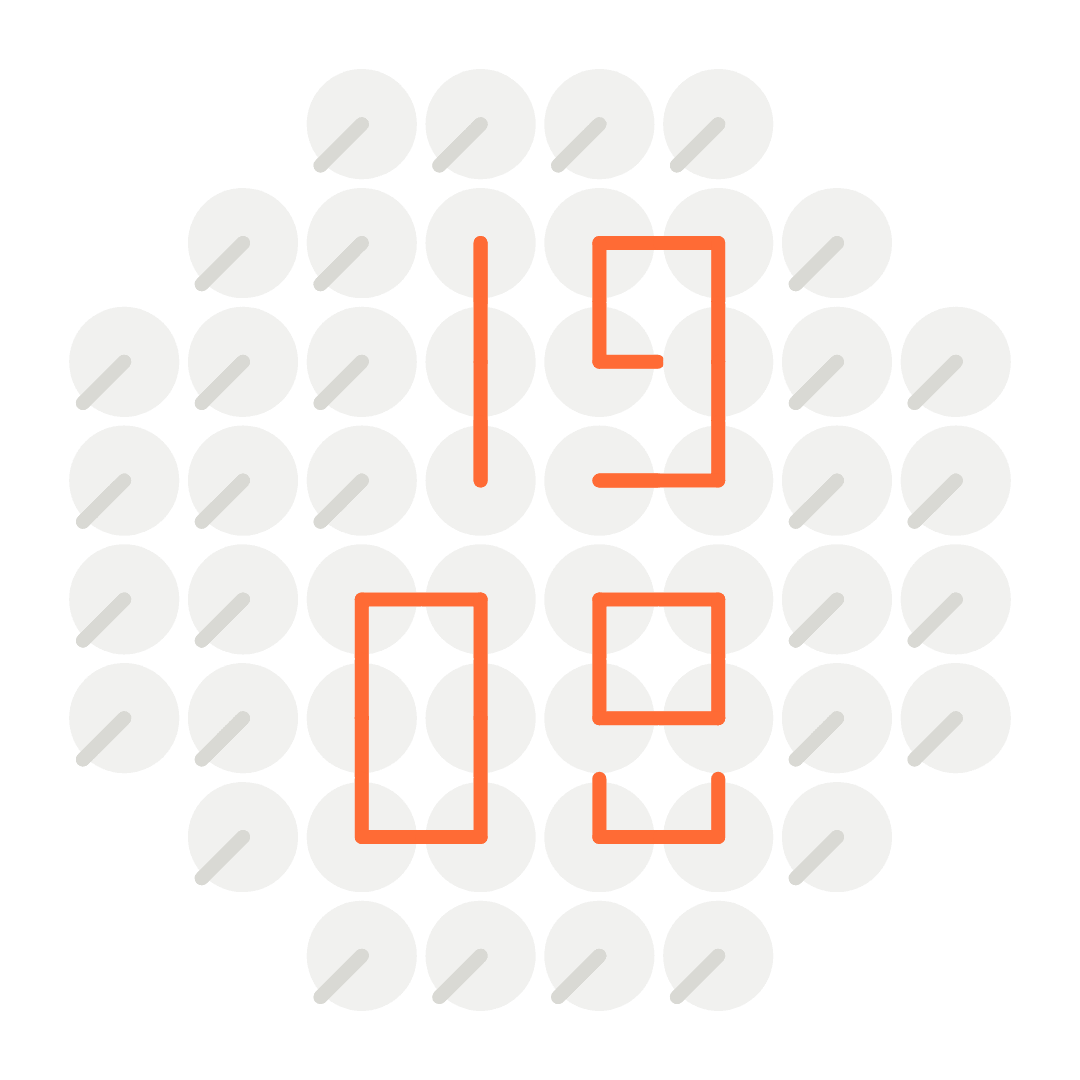
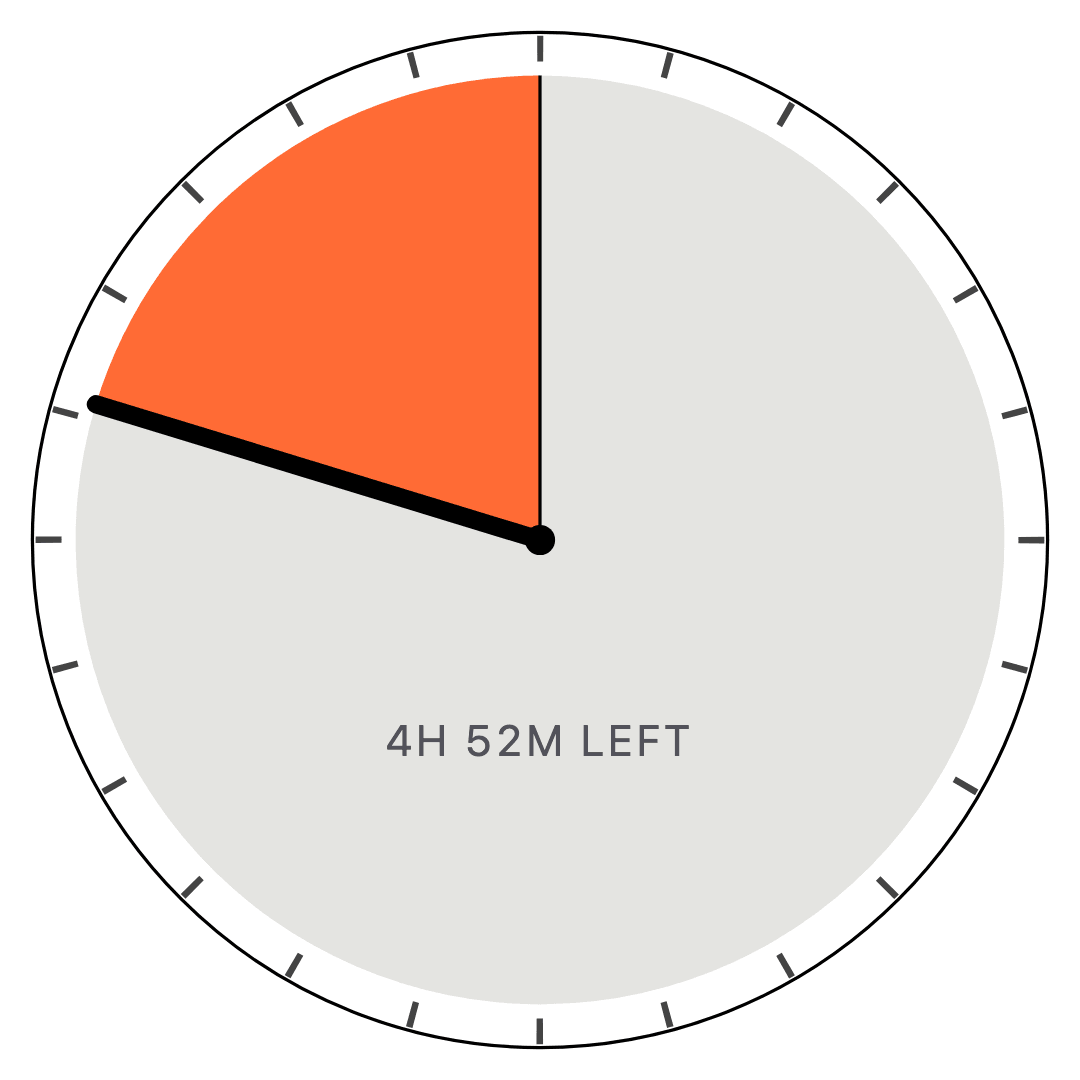
Strokes, a lattice of 52 two-hand dials, is perfectly still between minutes. Only the hands that change move, once a minute. On a clock that runs for weeks, idle motion is constant GPU work and heat on a small board, so stillness is written into its contract as an anti-pattern to avoid. The same reasoning makes every app tick only while it is on screen, and that rule is a blocker in the catalogue.
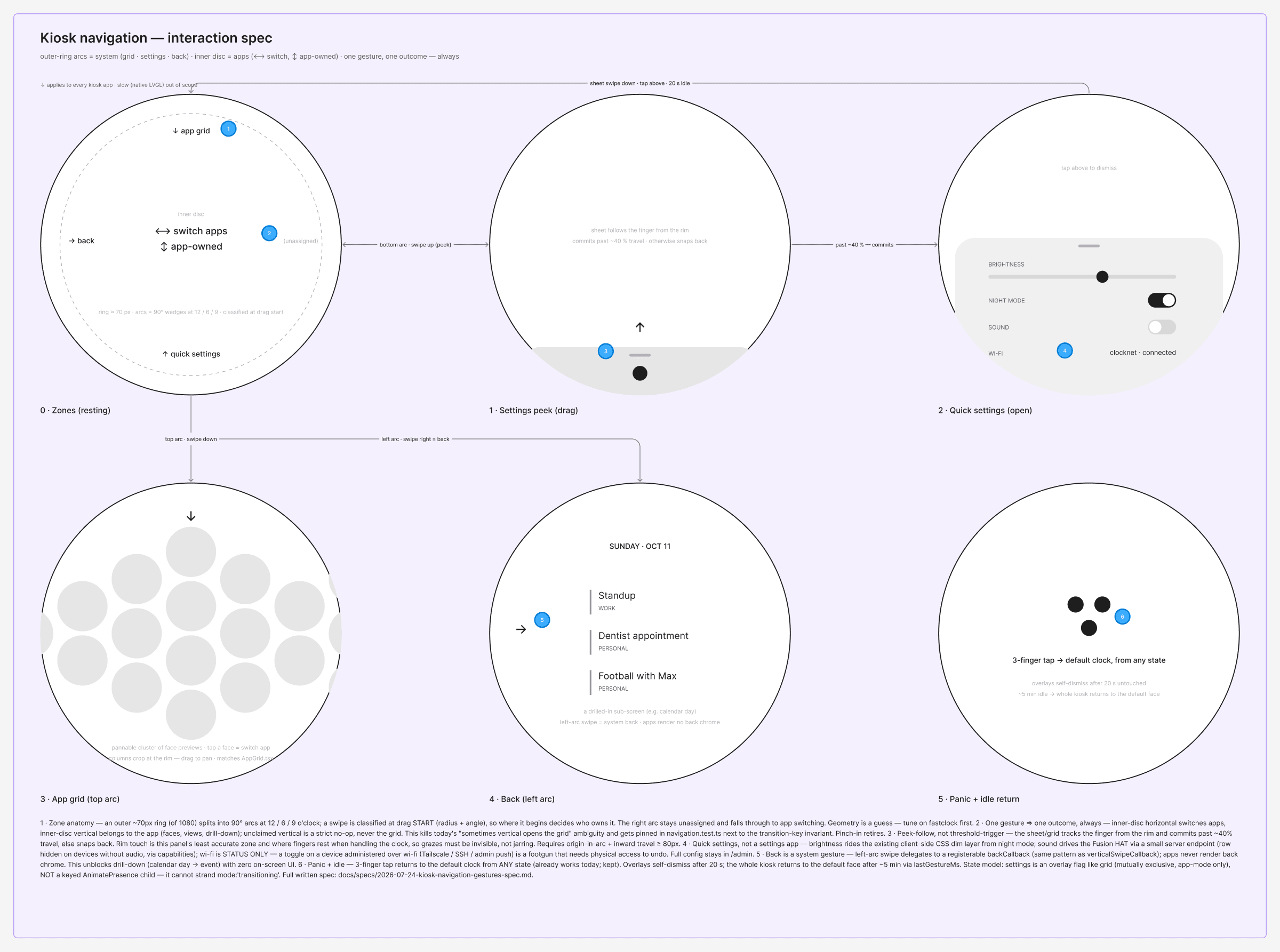
Touch was decided on the panel too. The navigation plate drew an outer ring about 70 pixels wide on the 1080 pixel screen, split into arcs at twelve, six and nine. In code the ring is a fraction of the radius, 70 over 540, so it keeps its proportion on the 800 pixel clock.
What stays human
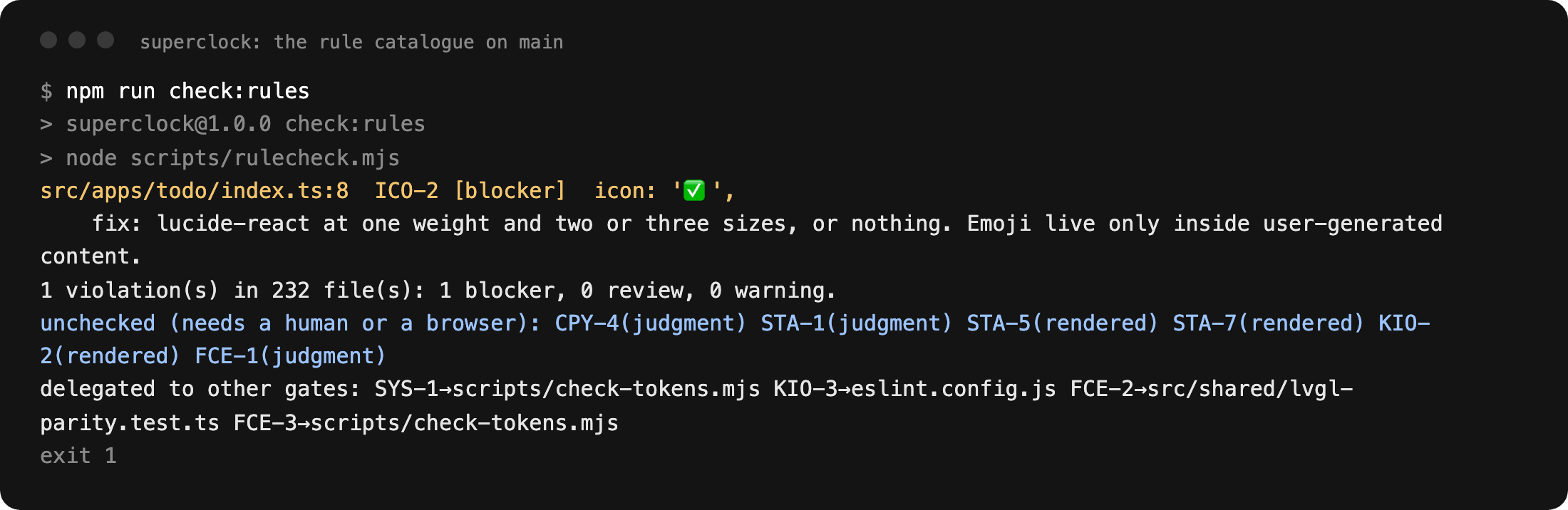
Six of the 25 rules cannot be checked by a script: no fabricated data, one accent per face, nothing important outside the disc, every state designed, contrast on the surface the text actually sits on, and the admin at 375 pixels. The rule runner prints them as unchecked on every run, so the gap is stated each time.
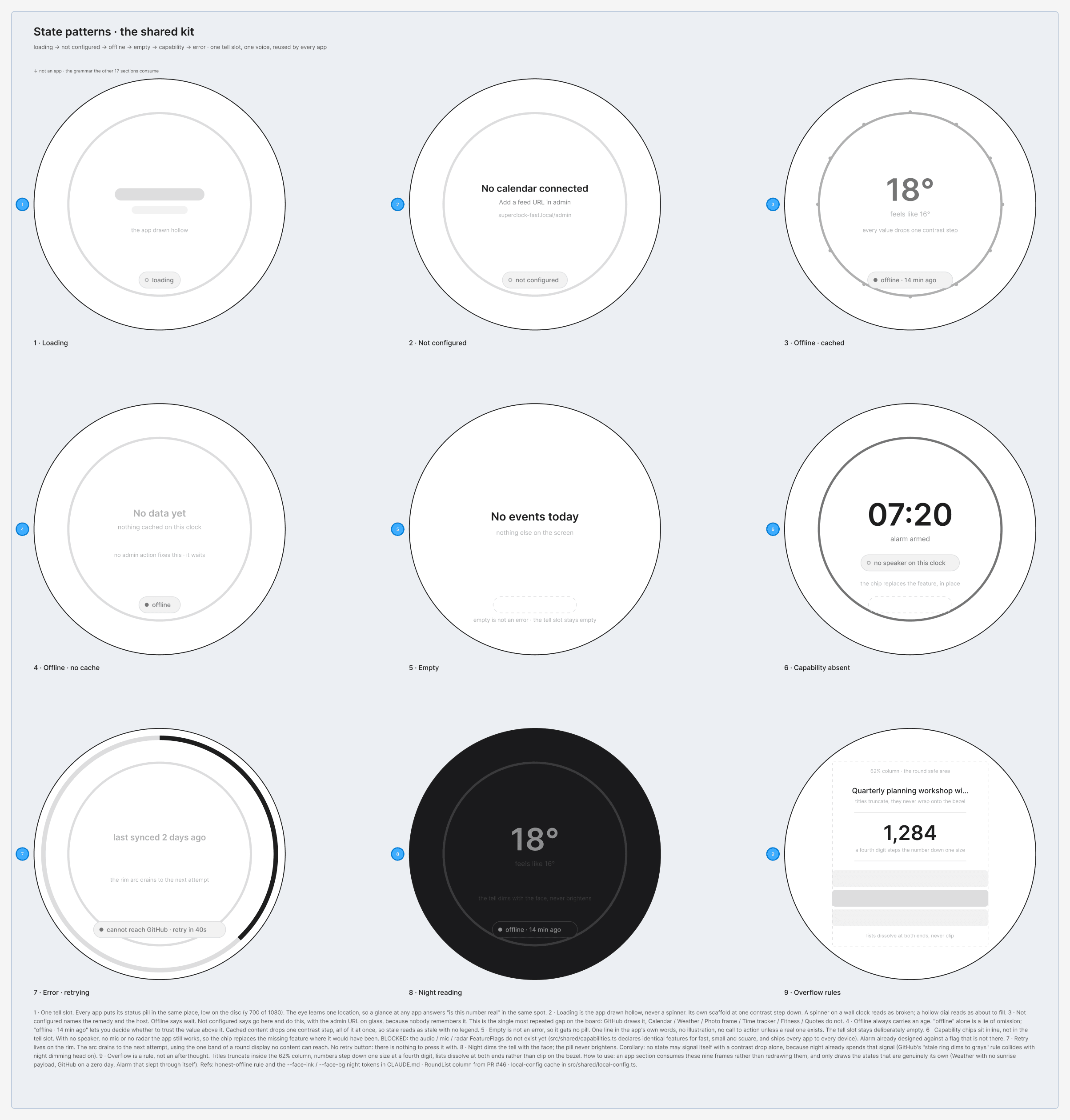
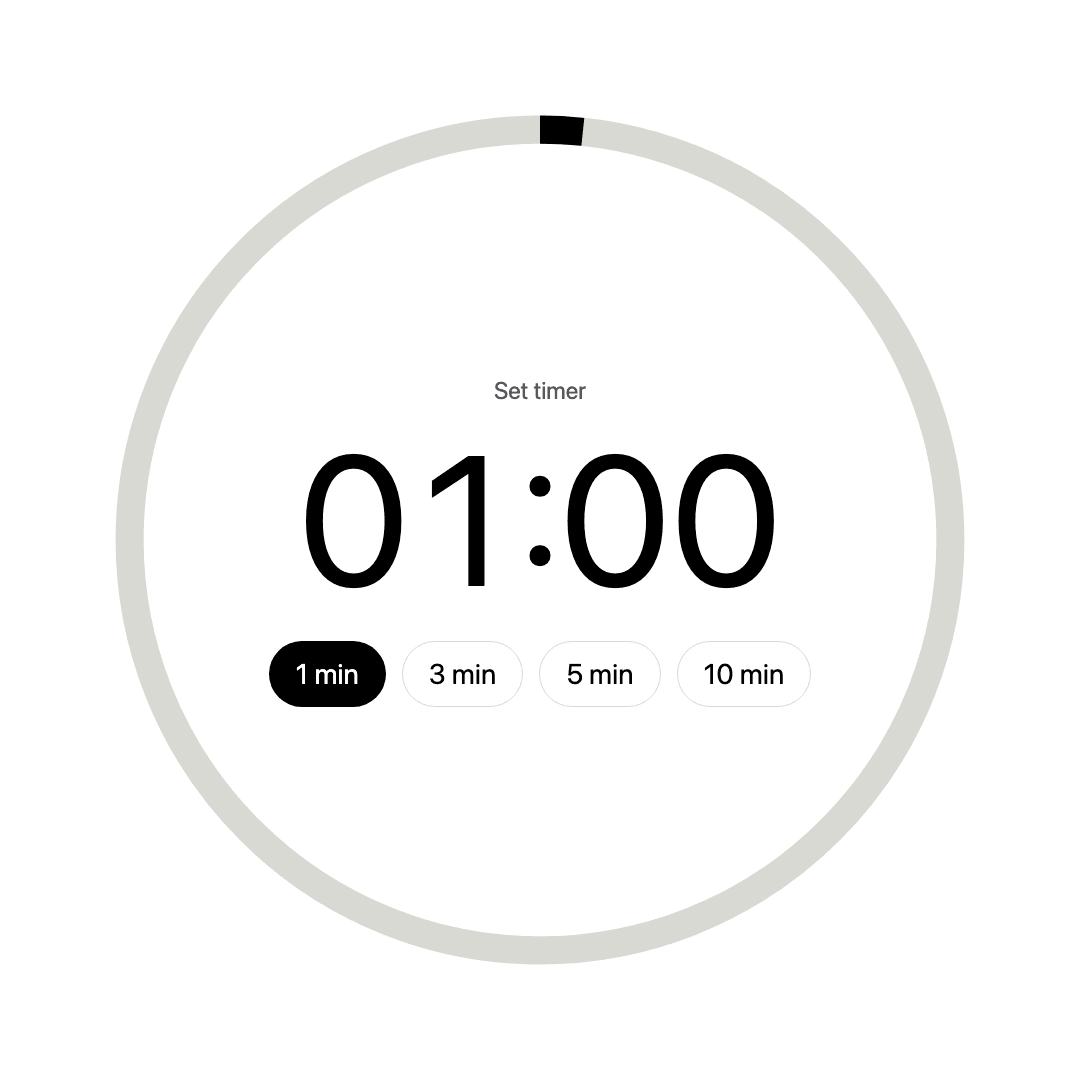
State design is the clearest of the six. The board holds a shared kit of nine states, from loading to overflow, and on glass the rule is that an app that fetches never shows fallback data as live.
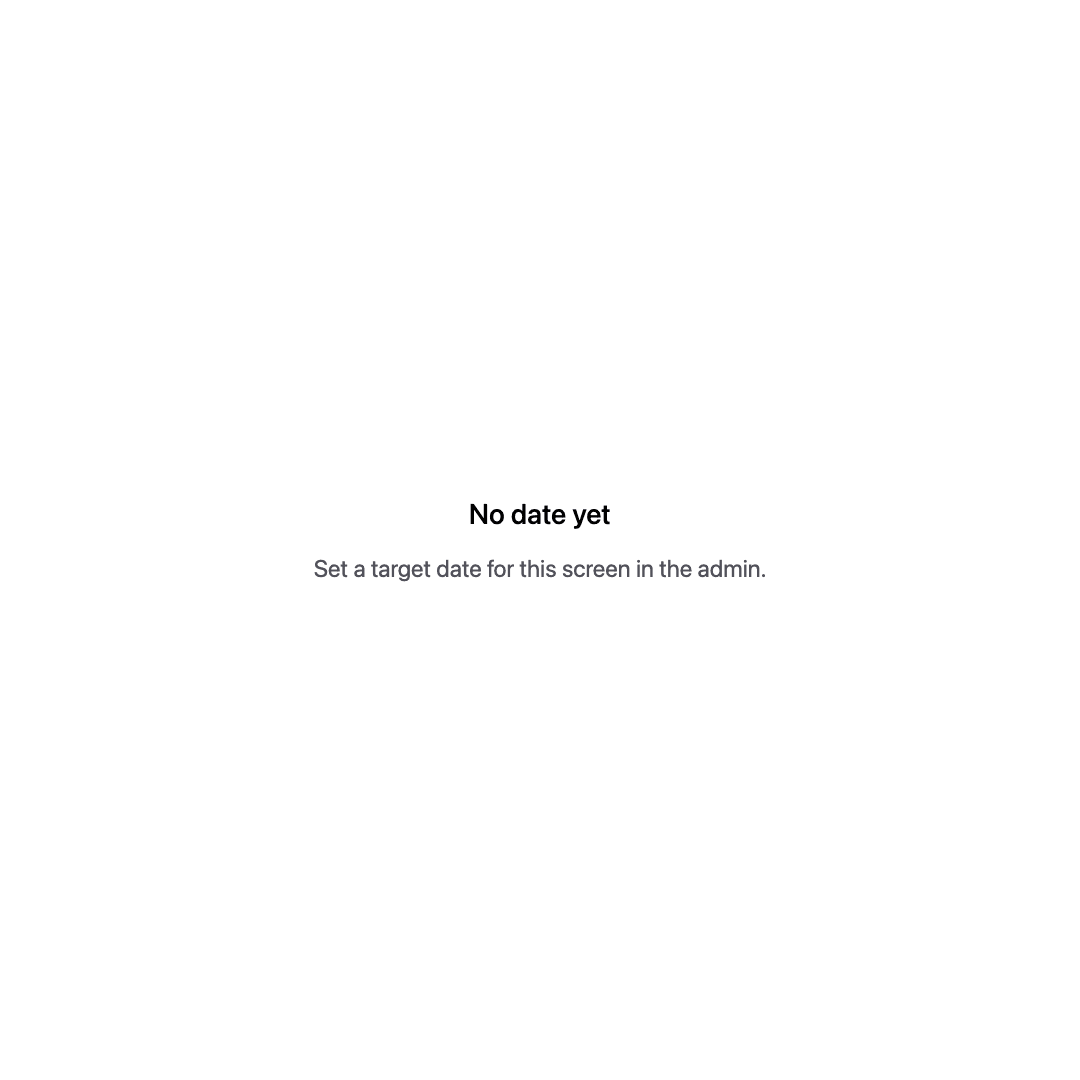
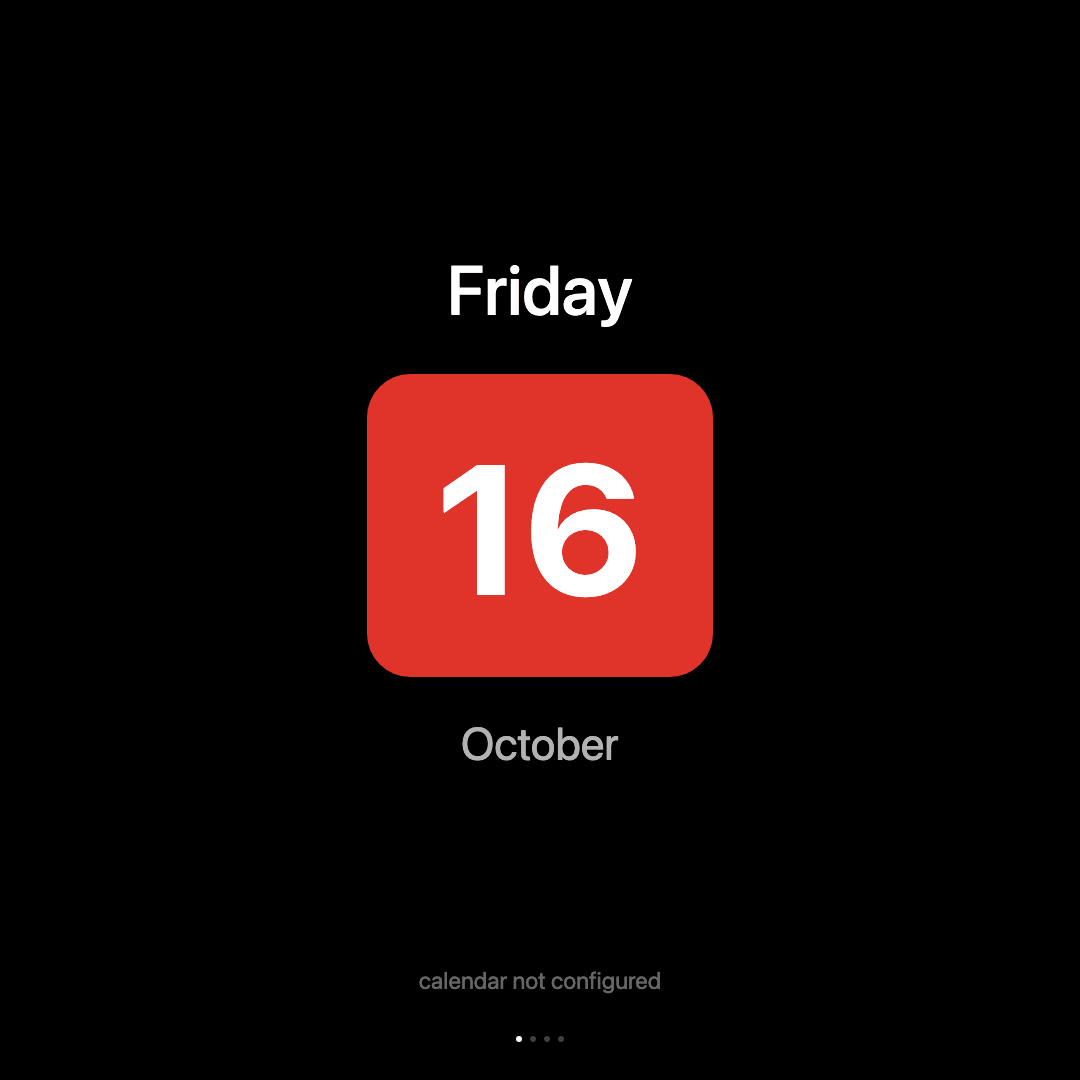
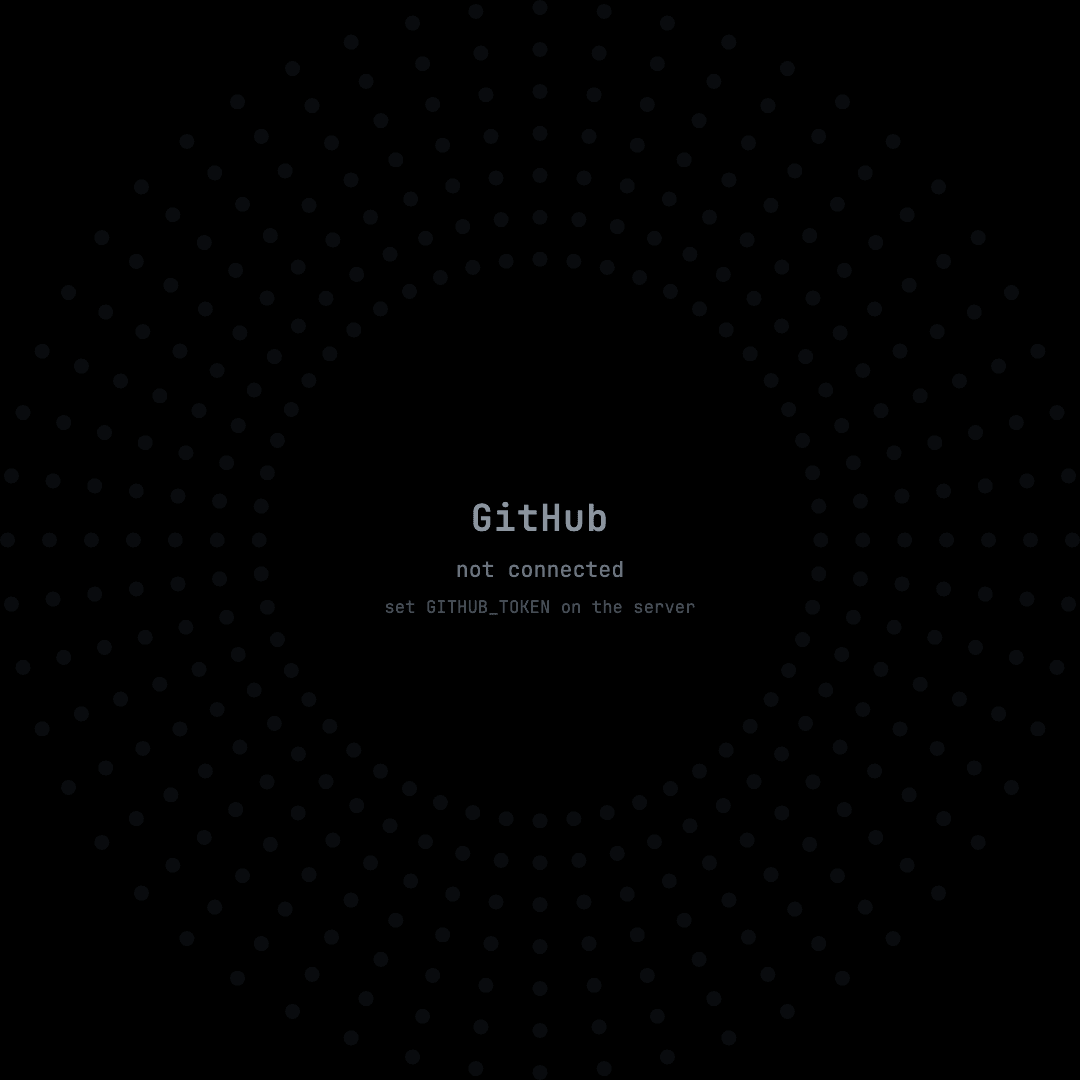
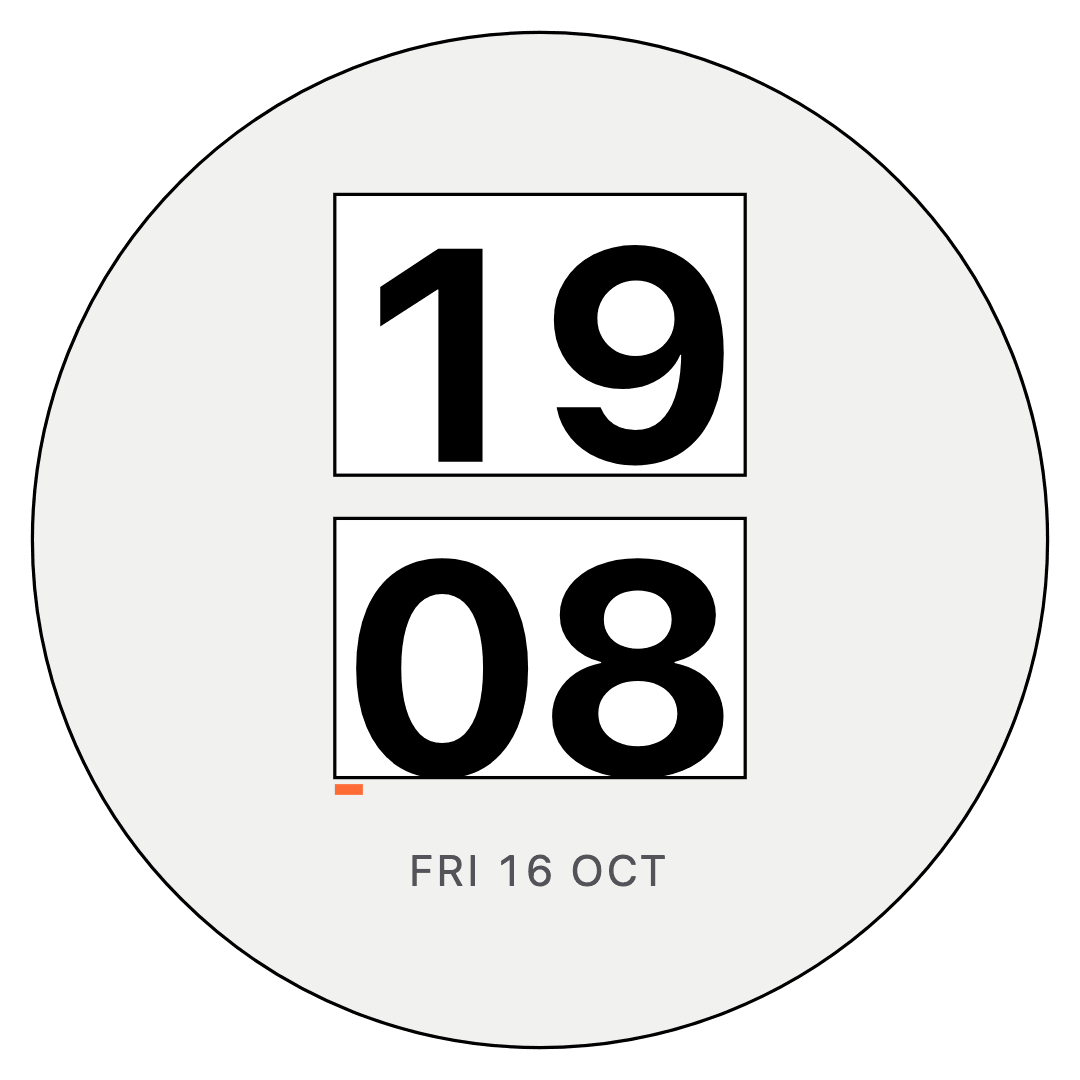
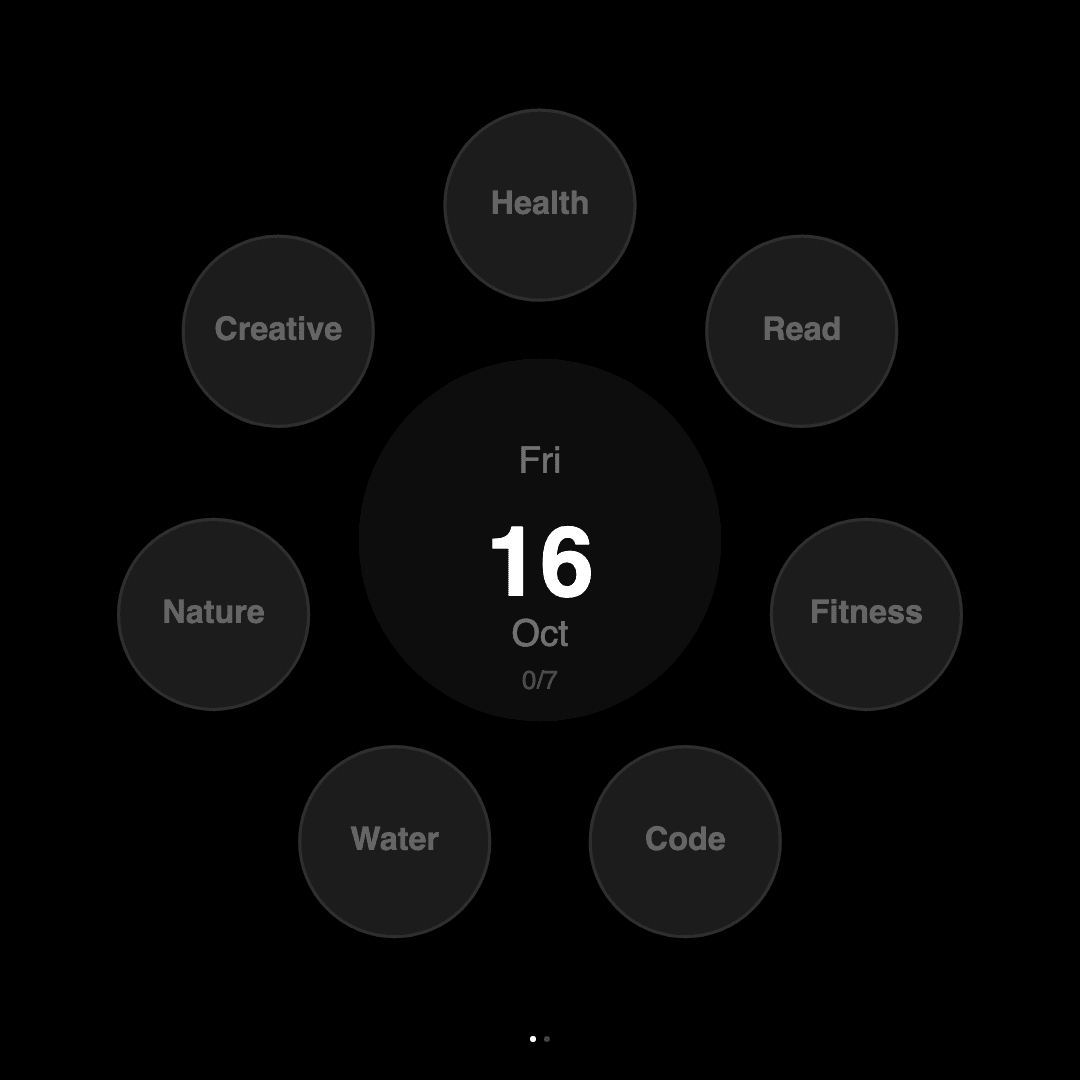
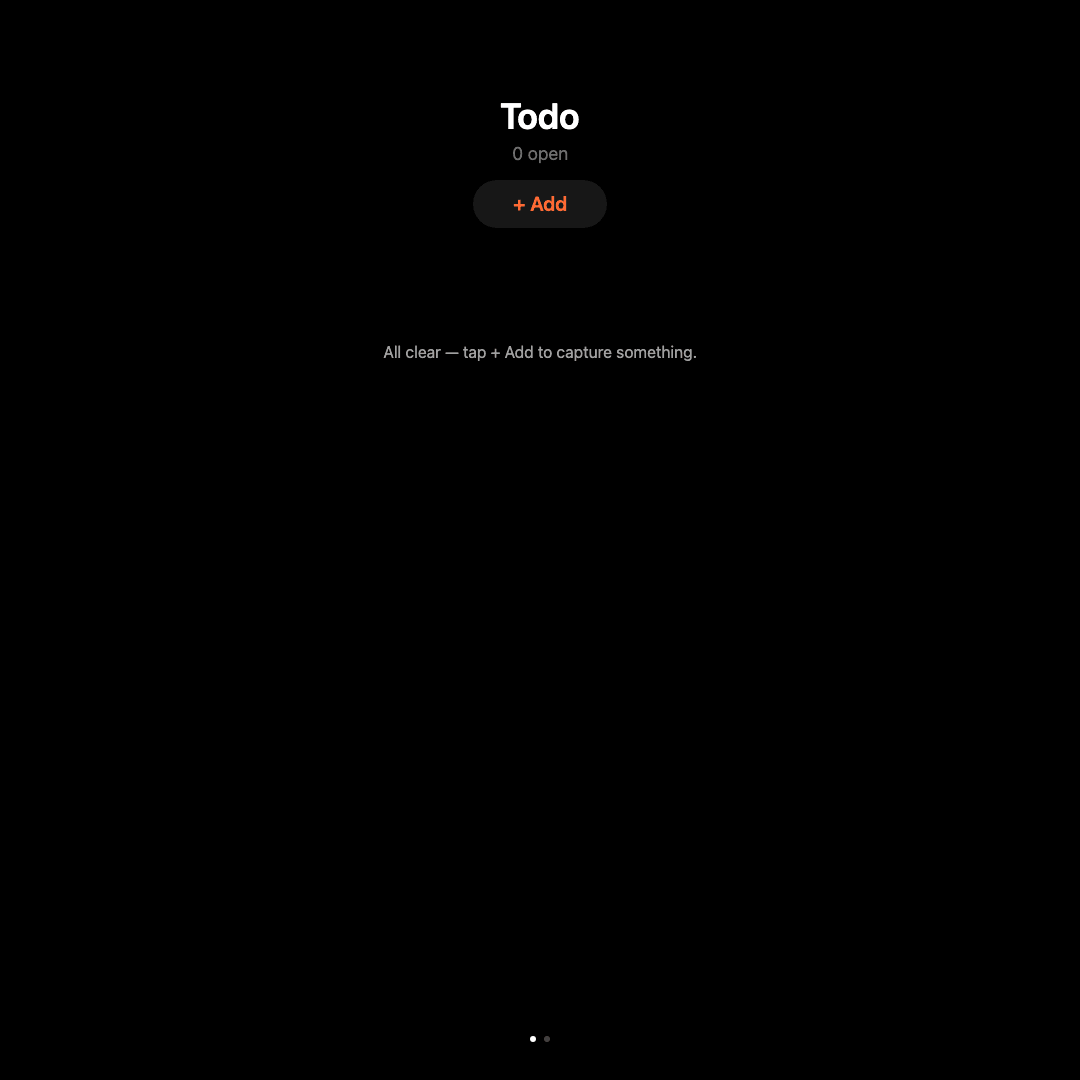
Those four come from a clean checkout where nothing is configured yet, which is exactly when a quieter product would show sample numbers.
From plate to glass
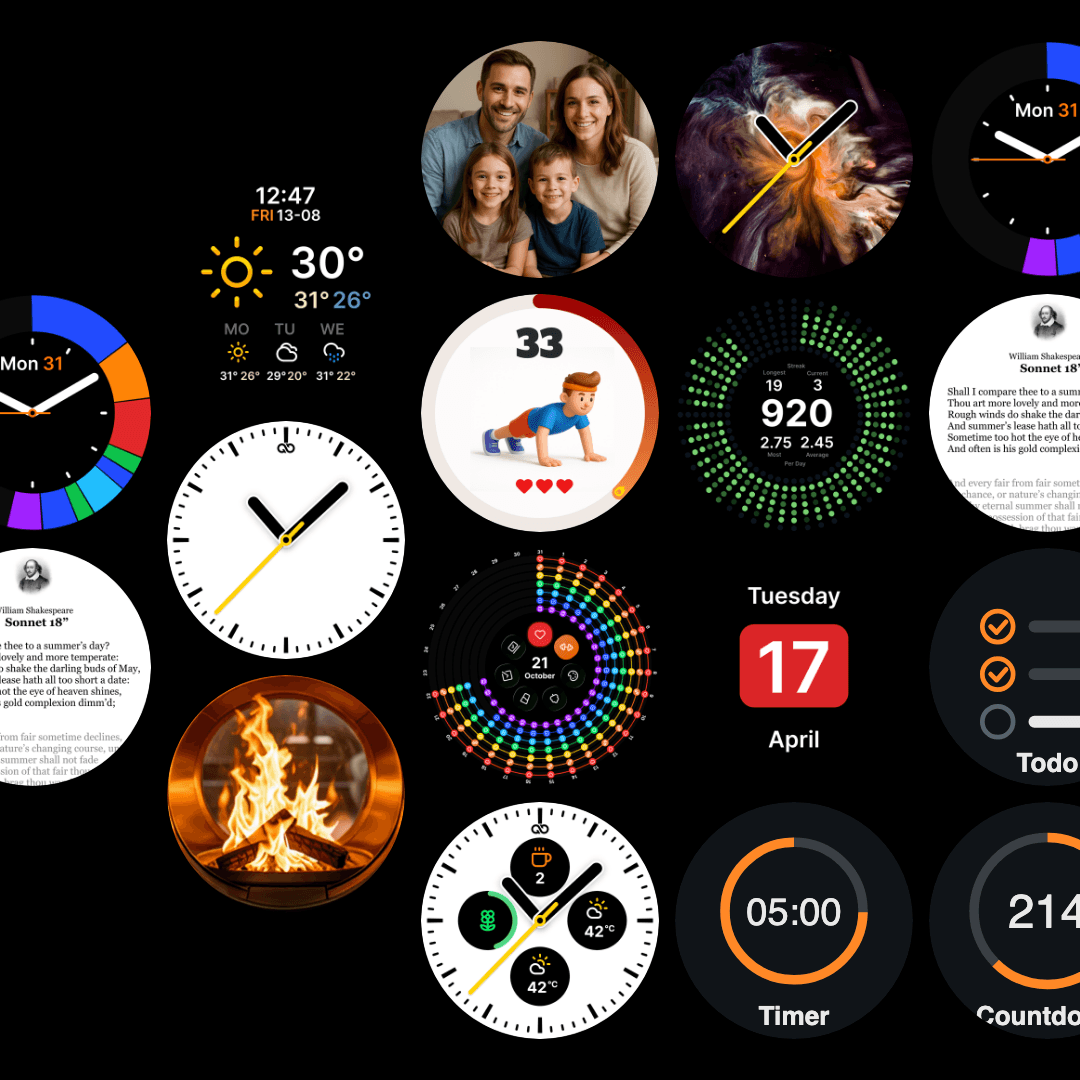
The faces in this page started as plates. An archetype study on the board distilled 18 structures: nine pulled out of reference faces with the styling removed, and nine more from horology, platform docs and industrial clock design. Four of them were built.
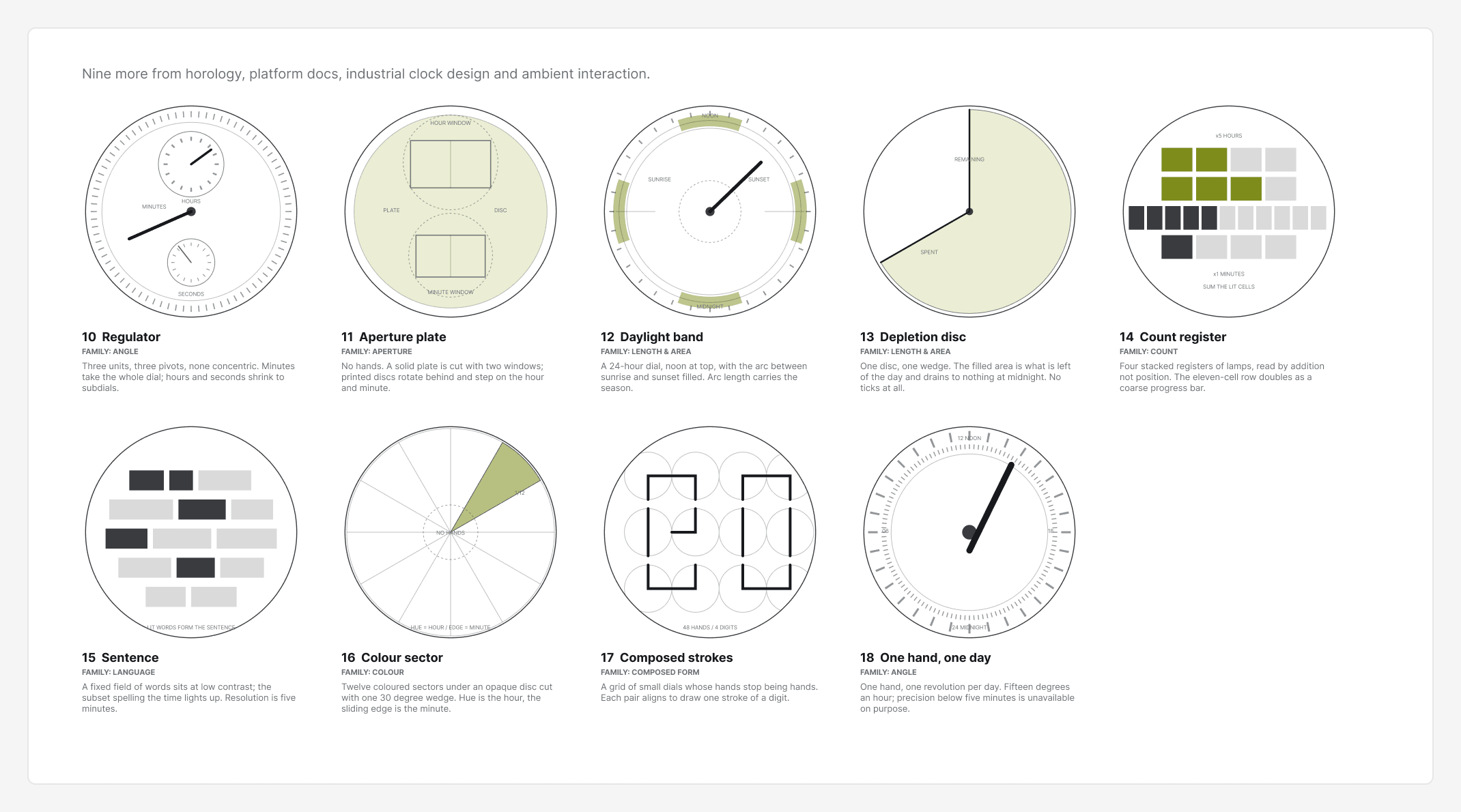
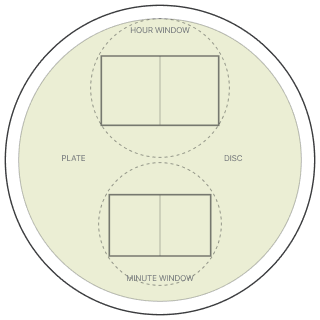
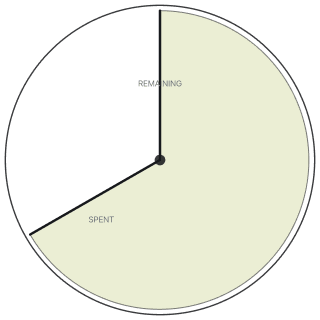
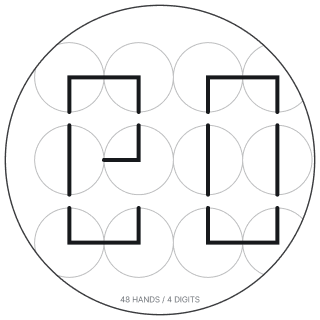
Board plate. Each app and face starts as a plate on the design board, with its data contract, settings schema and open risks written next to the frames.
Approved spec. A written spec records the direction I approved and the decisions behind it.
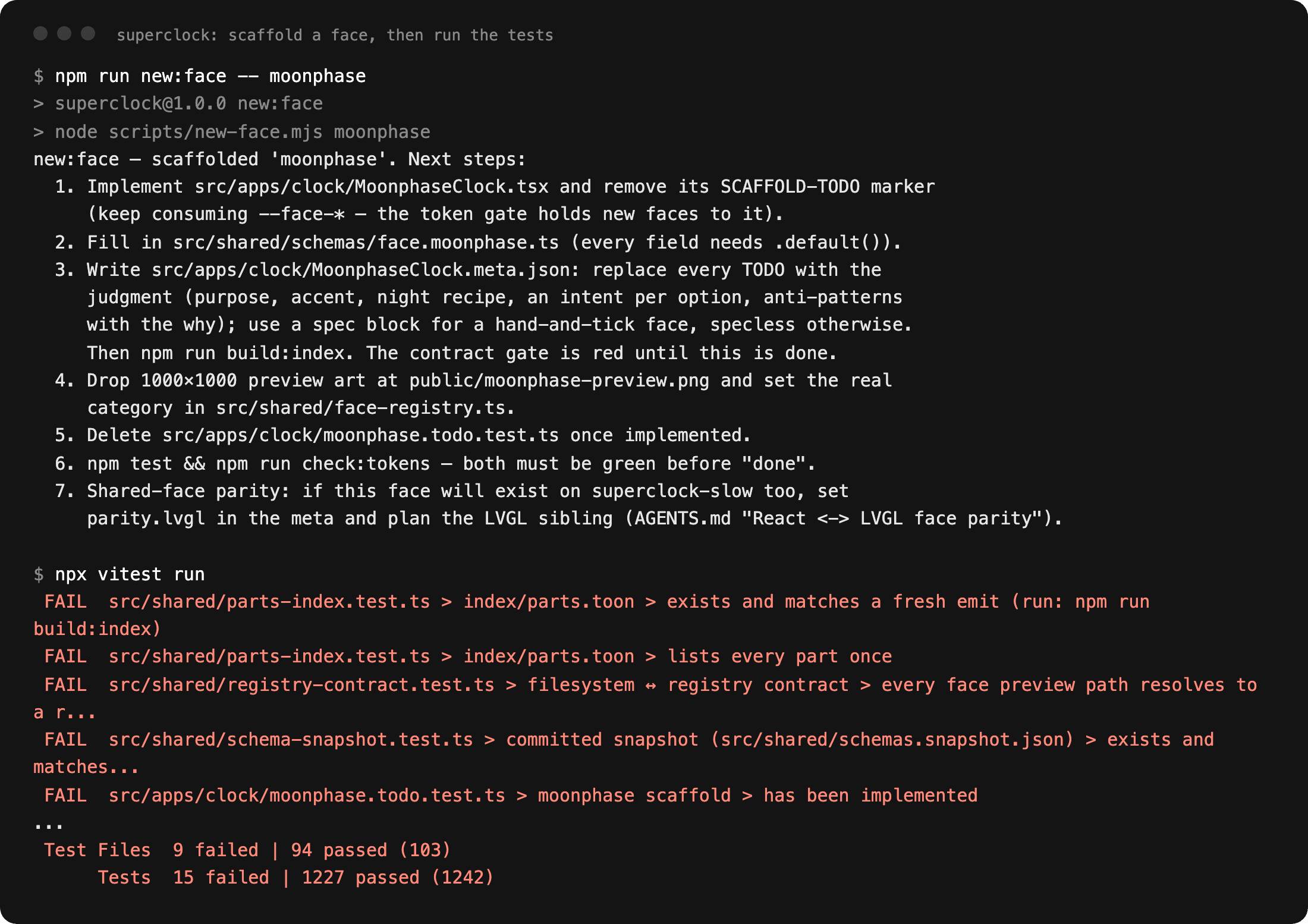
Scaffold. A scaffolder adds a new app or face to every registry it must appear in, with a failing test that stays red until the component is real.
Gates. Lint, the token gate, 1,247 tests and the build, in that order, locally and in CI.
Stamped deploy. Every device reports the commit it runs, and the deploy script checks that commit after it ships.
On glass. The last check is the device: the face renders, the hands sweep, the touch zones answer.
Step three is easiest to see by doing it. Scaffolding a throwaway face turns 15 tests red across 9 files, and they stay red until the face has a component, a schema, a contract and preview art.
Most of the code is written by Claude Code sessions working in parallel git worktrees, handing work to each other through a shared agent log. 296 of the 374 commits on main carry a Claude co-author line. I design the system, make the calls the gates cannot, and decide what merges. The contracts and gates make that division of labour safe: a session that drifts off-design hits a red build long before it reaches a clock.
The deploy check had a bug of its own. Its first version could never pass over the local network, because resolving a .local name took longer than its three second budget, so a perfect deploy reported failure. A check that cries wolf is worse than no check, because it teaches you to ignore it. It was fixed the day it was caught.
Where it stands
- 17, every one reads its settings
- 13 in the swipe cycle, 12 with settings, all 12 read them
- 30, each read by the component that owns it
- 25 records; 6 need a person or a browser and print as unchecked on every run
- 1,247 in 102 files, passing on a clean checkout
- 9 known differences, ledgered, may only shrink
- 374 commits since 24 April 2026
Reflection
What I would do differently. Two parallel sessions each built a catalogue of design rules, and both survived the merge because neither was wrong. Consolidating them is still an open decision. Parallel sessions need a shared list of what is being built, alongside the log of what is done.
What I would keep. Ledgers instead of silent fixes. Every exemption list here may only shrink, and every entry carries its reason, so debt stays visible and nothing turns green by redefining the rule.
A trade I paid for. The first token check counted a token named in a code comment as a real use. That was accepted on purpose to ship the check sooner, and it cost time four times in one sub-project before the whole class was closed by stripping comments first. A check that can be satisfied by describing the thing ends up checking the description.