VR Creative Studio
A Meta Quest studio that rebuilds a scanned room as a place for pin-boards, sticky notes, drawing, and reference panels.
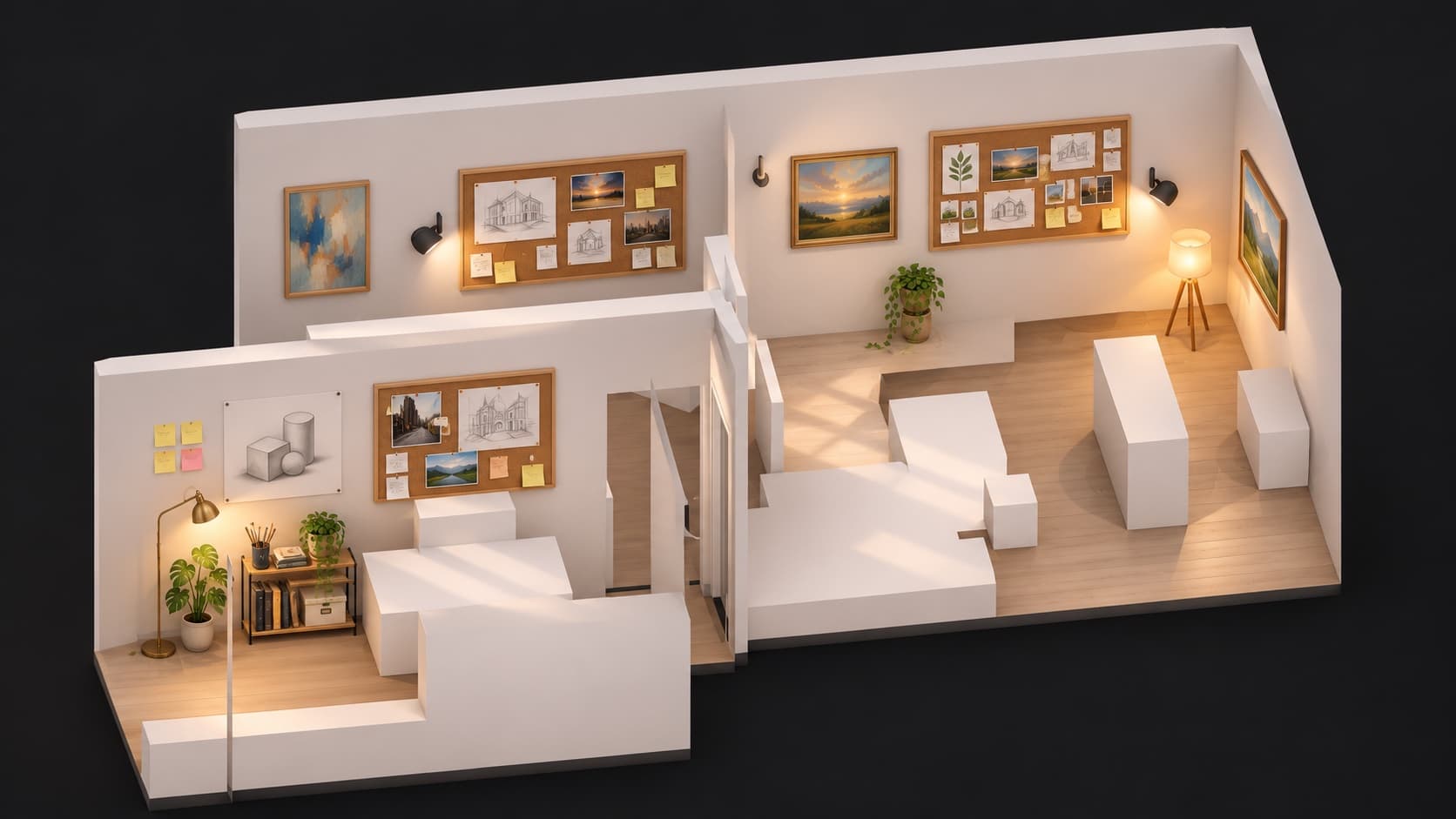
- In development on Meta Quest
- Unity 6, Meta MRUK, C#
A creative studio for the Quest. It reads the headset's room capture and rebuilds the real room as an opaque studio, with walls and furniture where they really are. Pins and drawing work today in passthrough, on the real walls; notes and reference panels are next.
The problem
The design spec calls it a creative war-room: not a museum and not a meeting space, a working room. Open a project board, walk the room, arrange reference, draw or leave a note, and find it all where you left it next time.
From a room scan to a studio
The app reads the headset's capture of my apartment. Two main spaces are selected and the studio is rebuilt with walls and furniture where they really are. The view switches between passthrough and the opaque studio. Before going opaque there is a passthrough review step, approved with the A button.
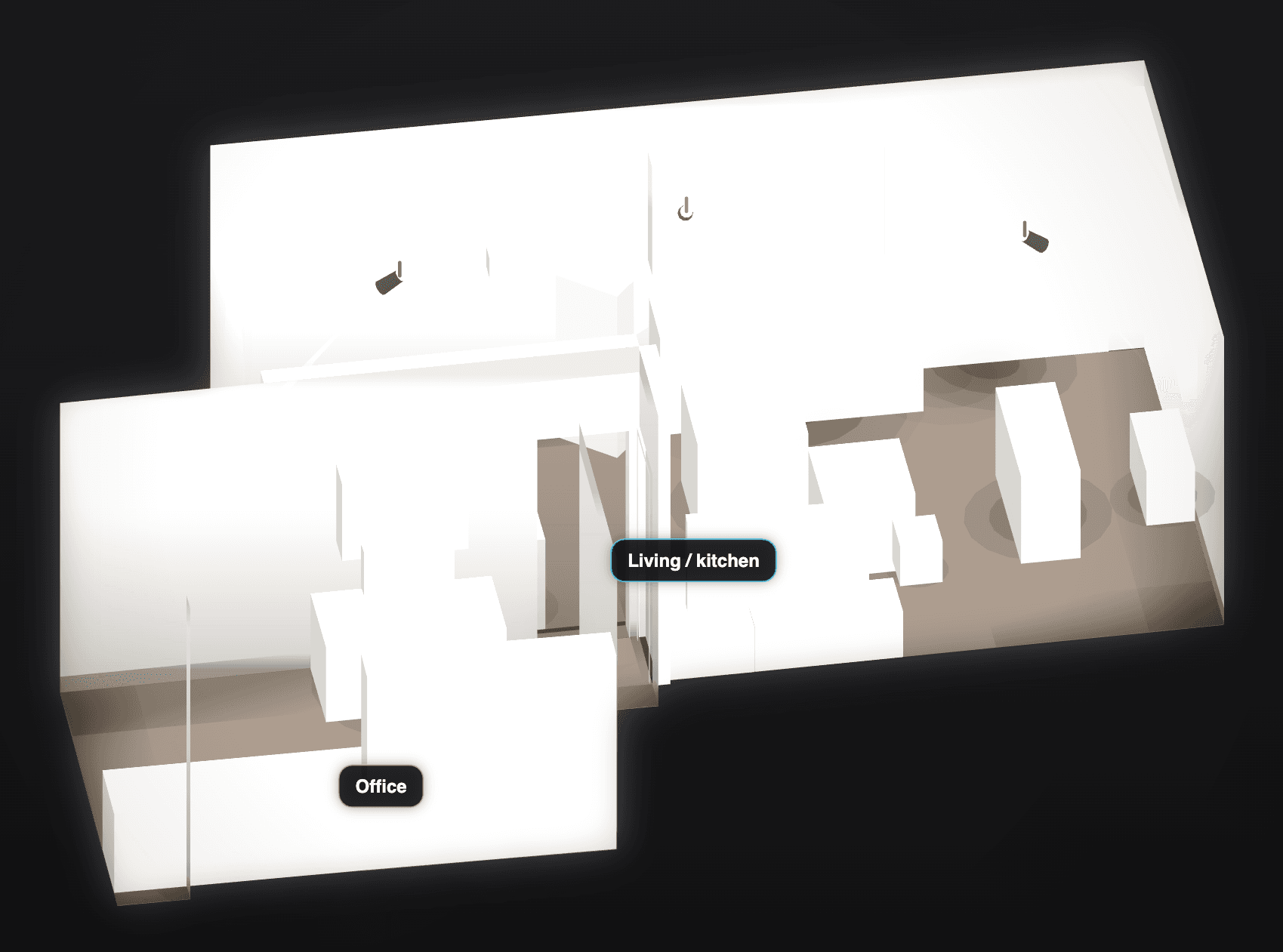
Pins, pencil and a board that persists
The first studio slice has pins, a pencil, an eraser, an inbox tray and a tool menu. Images pushed to the headset land in a board's drop folder. Boards save as JSON through a temp file with the previous copy kept, and a smoke check confirms a board is identical after a relaunch.
Decisions
The real room is the canvas
The studio is rebuilt to the exact shape of the scanned room, and pins and drawings are bound to the headset's spatial anchors on the real walls. A board survives a relaunch; keeping anchors after a re-scan is still open.
Review in the headset, choose in the browser
Spoken notes from headset reviews drove the look. A browser previewer renders the same capture in six looks side by side, so looks can be compared without a device build. Only the headset settles a look. White room became the default.
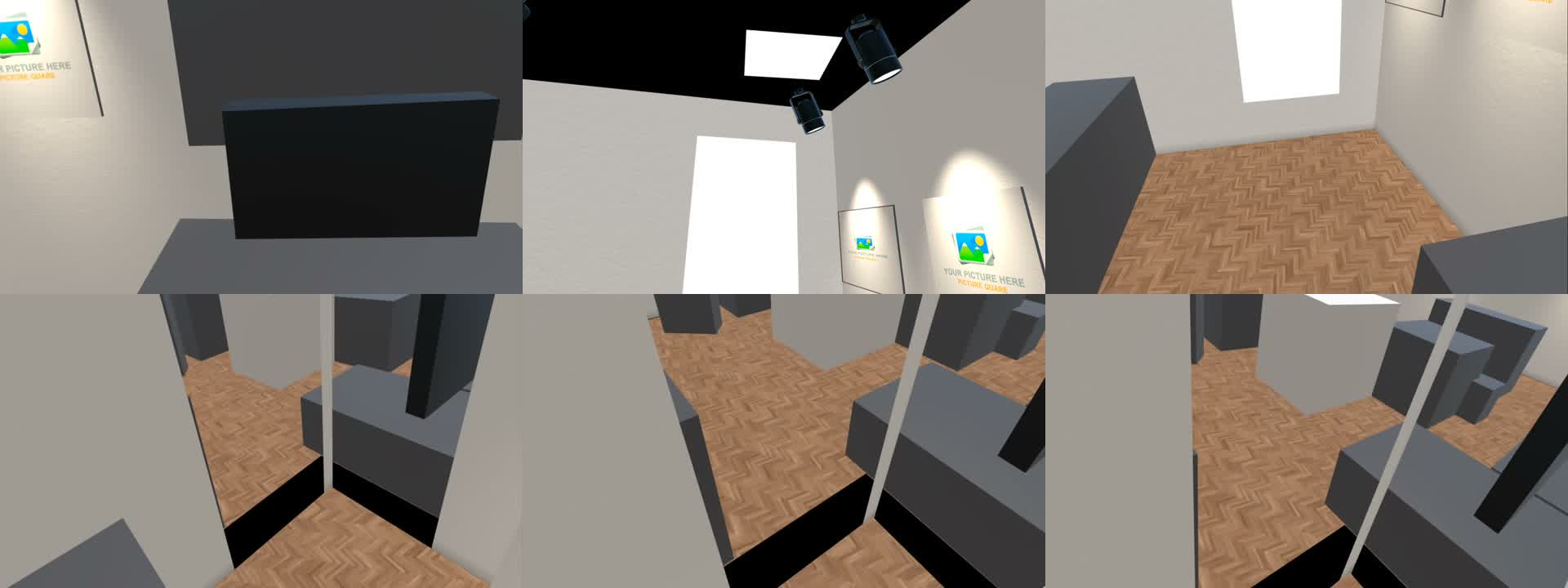
Passthrough first
The creative tools start in passthrough and the opaque studio stays a toggle, so a wrong wall is visible instead of dangerous.
A person checks the scan
The rebuilt room is reviewed in passthrough before anyone walks it with the real room hidden. A Guardian coverage warning shows, but it does not block approval.
No camera frames in the main build
The app does not capture camera frames or images. The room data stays private, and only stylised renders of it are shown here.
One engine, two apps
New rooms started as board kinds inside one scene. That changed to one room engine serving two apps, a Creative Room and a Virtual Museum. The split is specified, not built.