A Quest 3 app for directing a shot from inside the set: stand on it at full size, play it, and look through the shot camera.
3DCreative tools
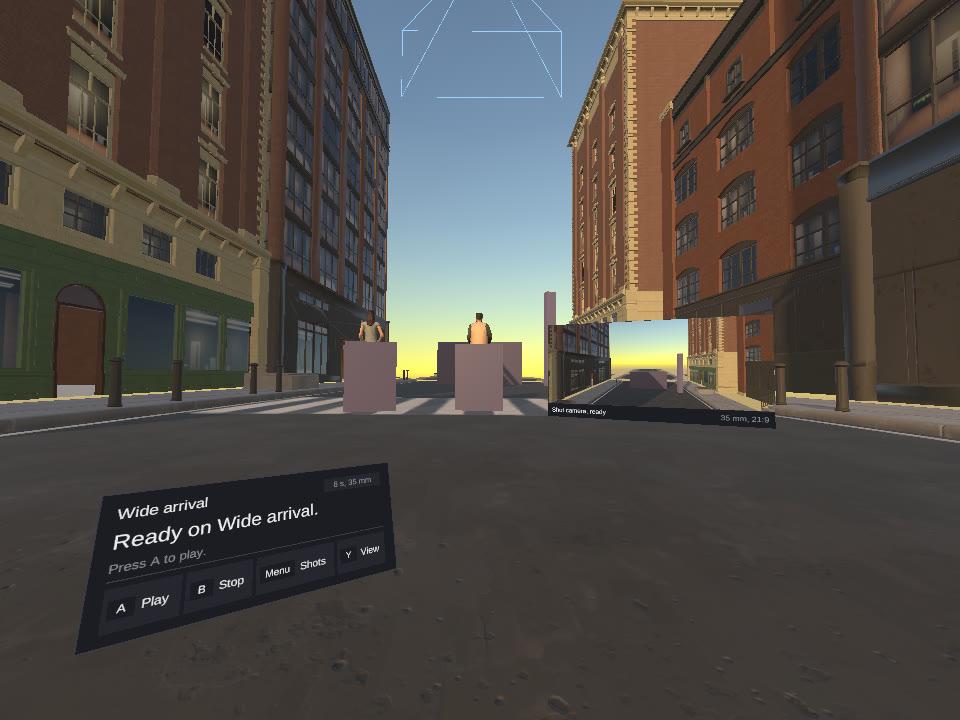
Captured on a Quest 3 by the app itself: the street set, with the shot panel low left and the monitor beside the stage.
Status
Native Quest 3 app, runs on the headset
Tools
Unity 6, C#, OpenXR, Meta XR SDK, URP, Node scene server
Pick a shot from a Scene Builder film, stand where its start pose puts you, and play it at full size. A monitor shows the shot camera's live picture, one button puts your eye in the camera, and a switch turns the characters from simple shapes into rigged people without changing the shot. A downtown street set holds 72 fps on the headset (71.8 measured while a shot plays).
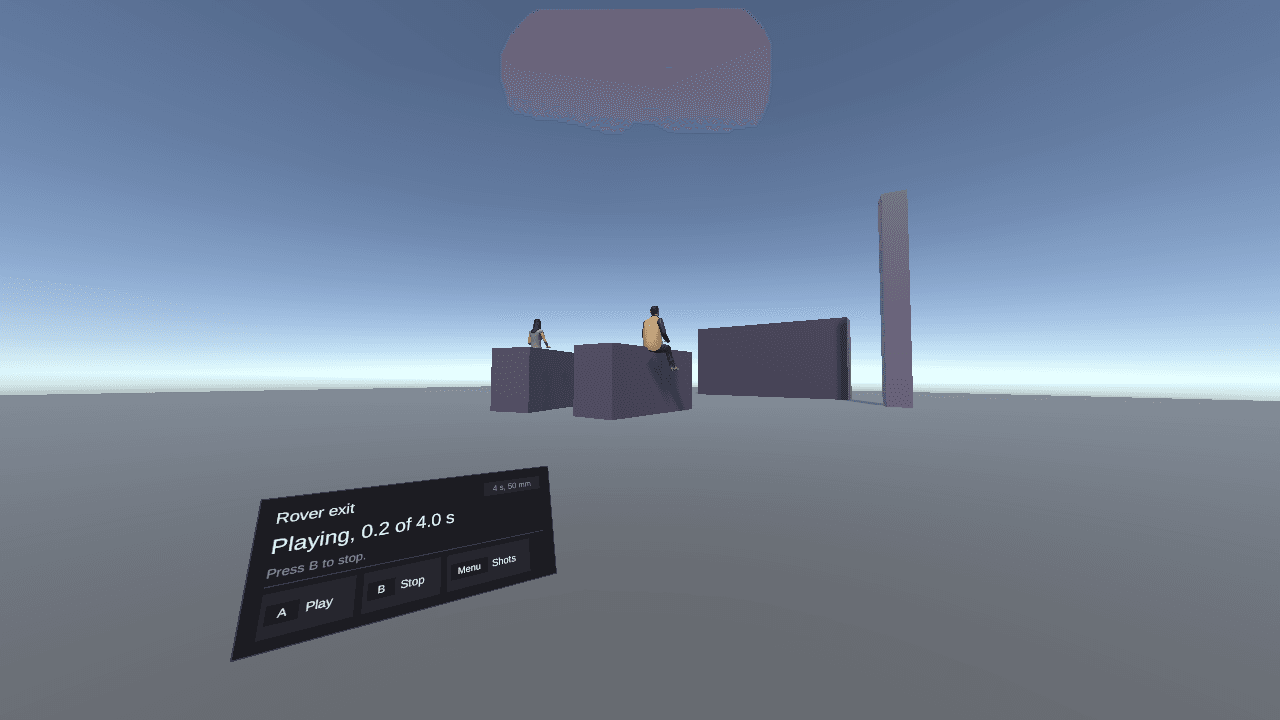
Recorded on a Quest 3 by the app itself: pick a shot, play it with shapes, switch to people and play again. The captions are the app's own step labels.
Decisions
A thin client of the scene server
The scene server on the Mac keeps the film, takes, undo, voice and video jobs. The headset only draws the set, plays it and sends calls the server already accepts. It is the Unity port of the WebXR VR Director in Scene Builder.
On the set. The shot panel sits low left and follows you after a teleport.
Look through the camera
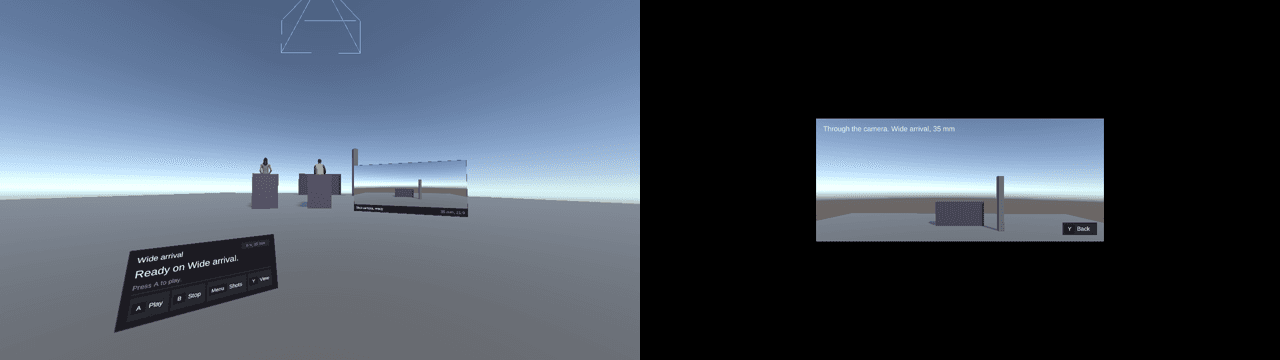
The shot camera stands on the set with its field of view drawn, and the monitor beside it plays what it sees. Y puts your eye in the camera, letterboxed 21:9, and moves you with it while the shot plays. Y again brings you back.
The monitor on the set, and the same shot seen through the camera.
Test the headset without wearing it
Development builds include a probe the Mac drives over USB: pick a shot, play, press a button, read the state, take a snapshot. The app also records its own upright video with a caption per step, which is where the clip above comes from. The physical buttons, the ray and teleport still need a person.