Previs
An exploration of planning shots, lenses, and actor positions inside walkable 3D sets.
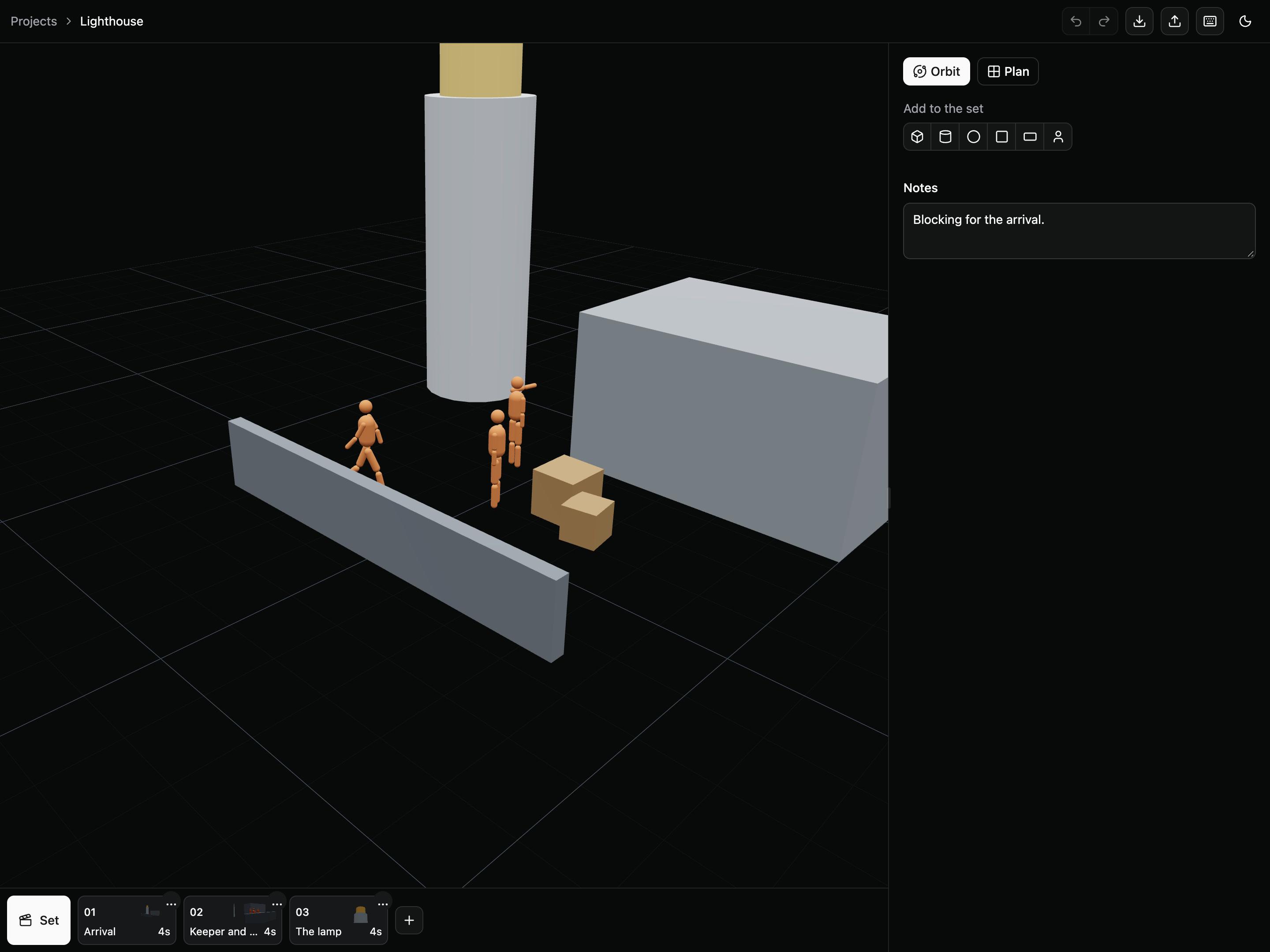
- Exploration, two browser prototypes
- Next.js, React Three Fiber, Zustand, IndexedDB
Block a scene in the browser and compare camera setups before anything is filmed or generated. Simple geometry, figures and a camera make the intended staging visible, and each shot stays tied to its scene.
From blocking to generated video
Each shot was rendered through its own camera in scene-builder-3d, then sent to Seedance 2.0 with frames from that render as references and a written prompt. The blocking fixed the framing, lens and positions; the prompt described the look. Seedance takes a reference video only from a public URL, so these runs used stills: the first, middle and last frame for the moving shot, and one frame for each locked-off shot.
01 Arrival
Blocking, scene-builder-3d Generated, Seedance 2.0 02 Keeper and visitor
Blocking, scene-builder-3d Generated, Seedance 2.0 03 The lamp
Blocking, scene-builder-3d Generated, Seedance 2.0
Decisions
One stage, several shots
The scene owns the set; each shot owns its overrides. Camera presets and auto-key reduce the work required to explore movement. The scene board tracks progress from empty shots through blocking, generation, and approval.
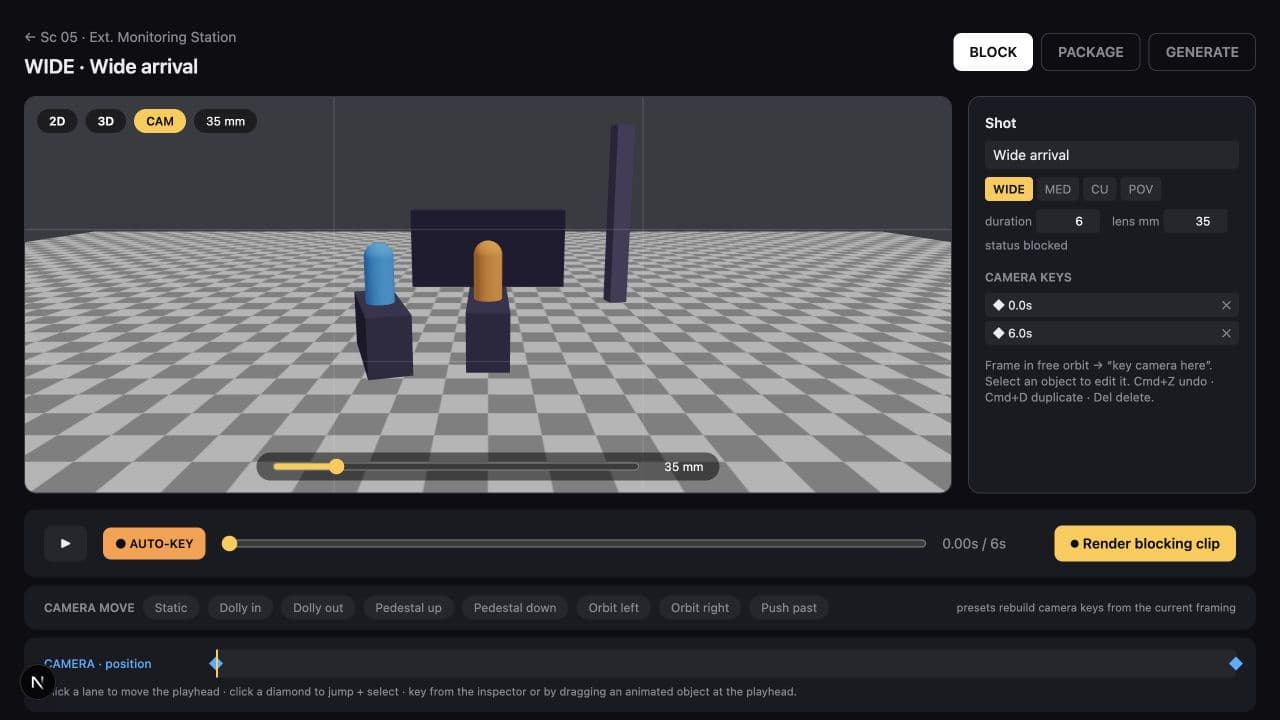
Know when a clip is stale
A captured clip is tied to the state that produced it. Moving a figure makes the clip stale; renaming a shot does not. Video lives in IndexedDB while the editable film document is persisted separately.