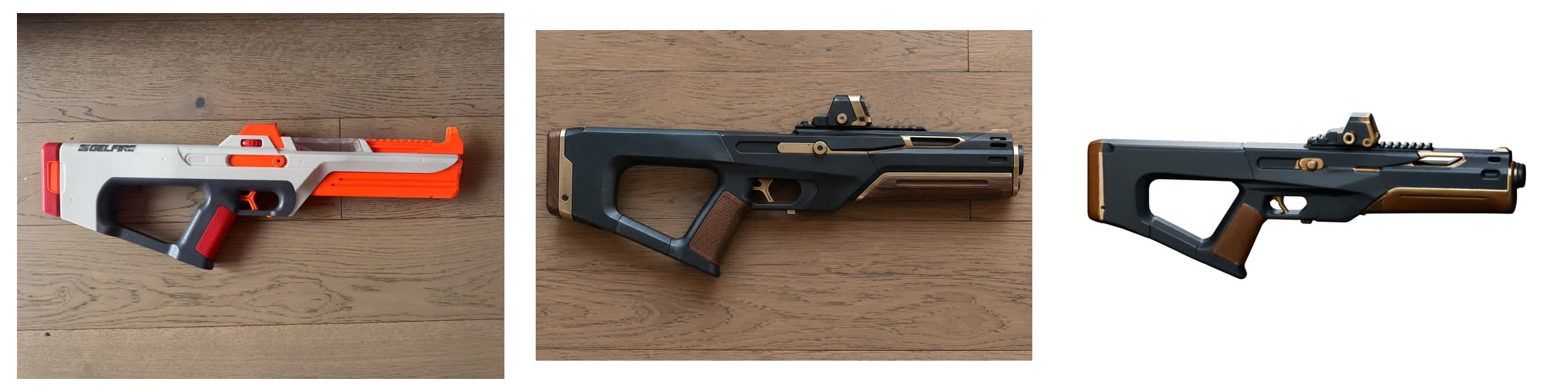
Prop to Image
A workflow for reimagining physical props through images and preparing selected designs for 3D reconstruction.
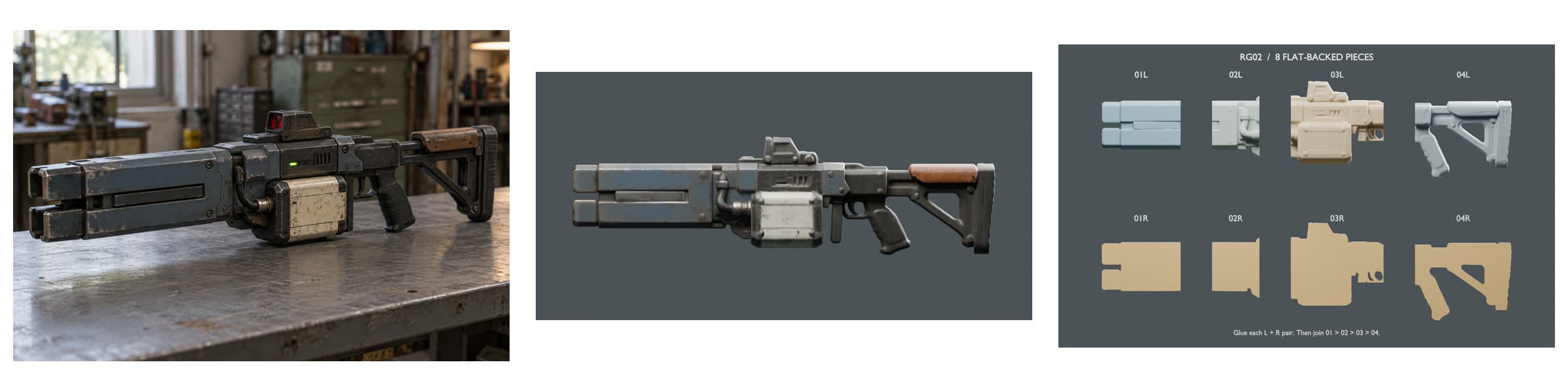
- Local tool, one prop taken through the chain
- Python CLI, Codex image edit, TRELLIS.2, Blender
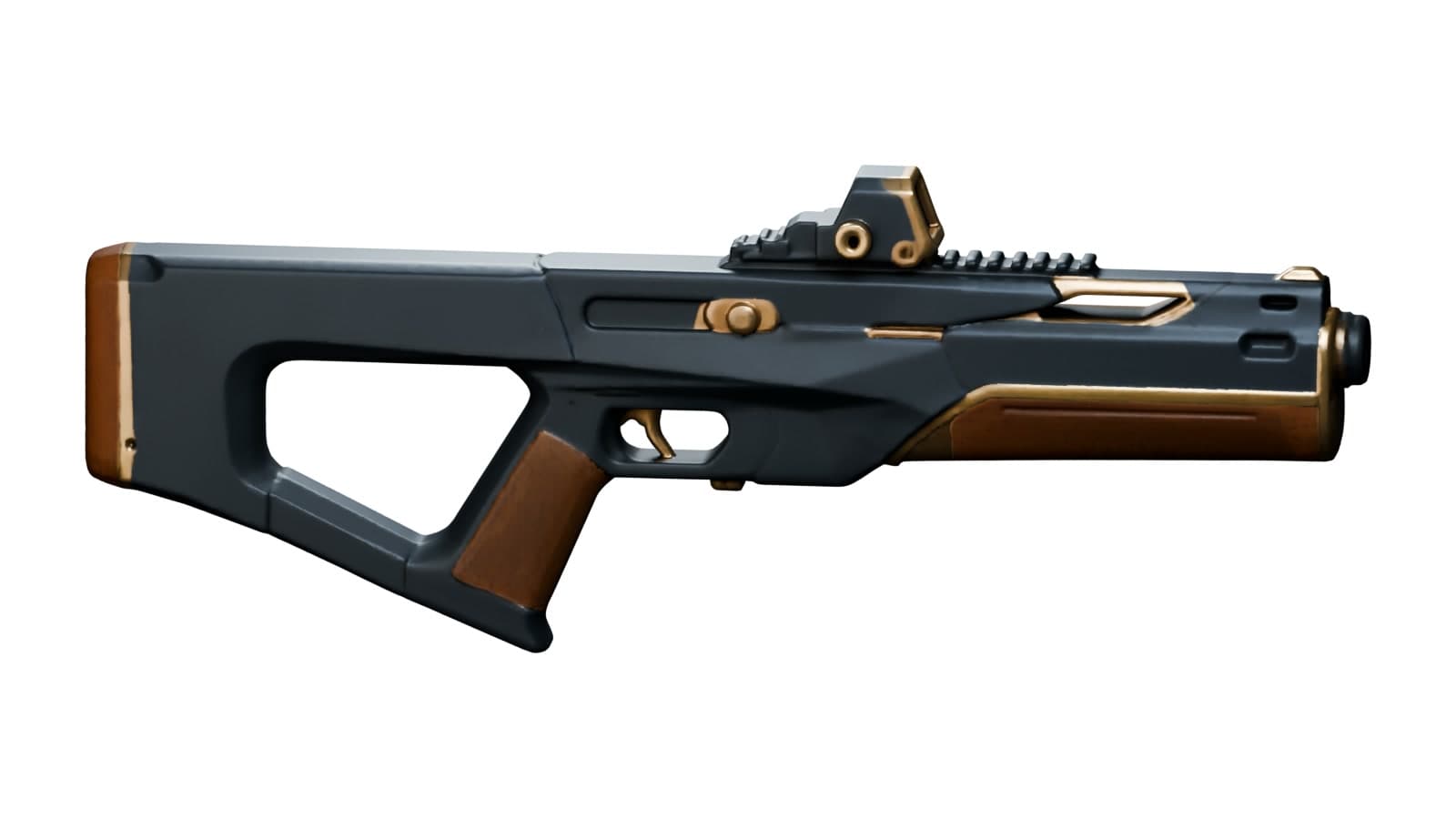
Start from a photo of a real object, explore new exteriors with an image model, pick one, and hand the picked image to image-to-3D reconstruction. It also runs the other way, from a generated idea to a model split for printing. The tool keeps the source, each request, each candidate and the pick linked, so a 3D model can be traced back to where it came from.
Decisions
Keep the source and every candidate
The CLI preserves the source photo, prepares each image request, registers results and builds a comparison gallery. A failed or blocked generation is recorded too, so nothing disappears between rounds.
Picking is a recorded step
A person records the pick, with a checksum of the exact image, before it goes to reconstruction. Choosing a look stays separate from approving it for the film.